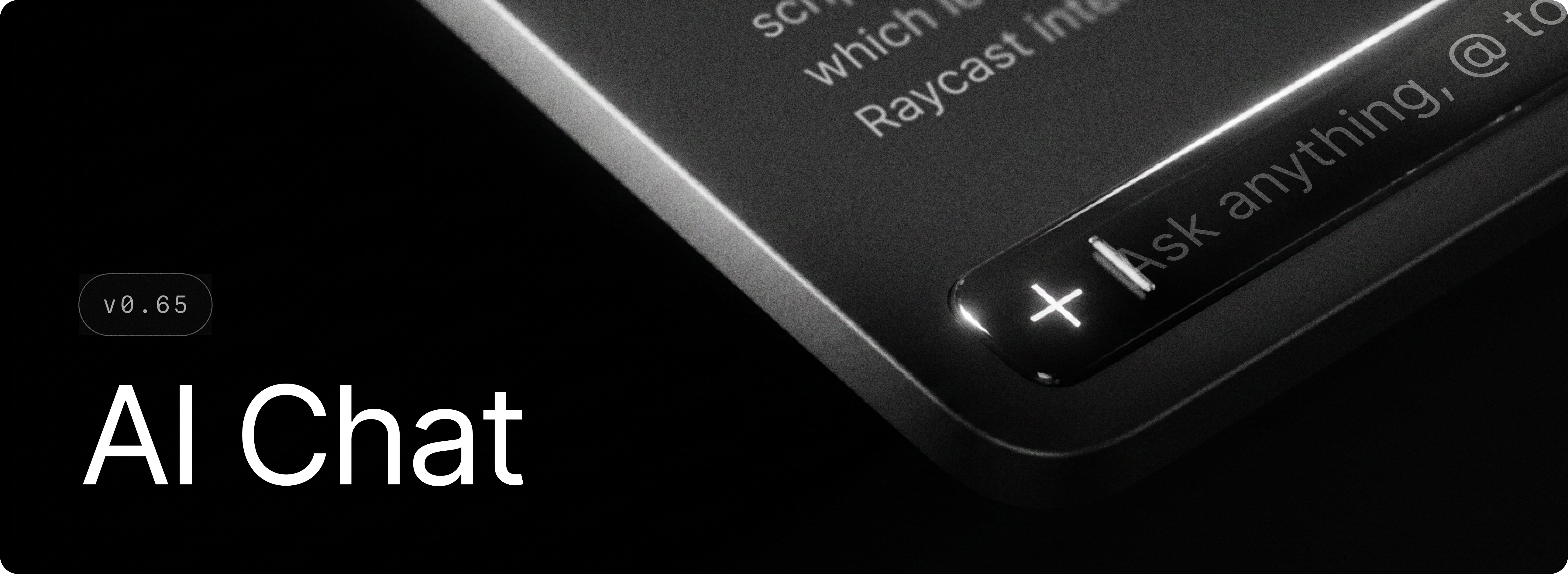
AI Chat is now available on Windows.
It's your space for real, back-and-forth conversations with AI. Quick AI is great for a fast answer. AI Chat is where you go when one answer isn't enough and you want to keep digging. Ask a question, follow up, and keep the thread going, whether you're debugging, drafting some writing, or researching a topic. And it's not just talk. With AI Extensions and MCP servers, AI Chat can pull in live context and take actions across your apps and tools, like creating a Linear issue or searching your codebase, without leaving the conversation. Just open Raycast and start a chat.
During the Beta phase, all testers get free access to AI Chat with the GPT 5.4 Mini model.
✨ New
- AI Extensions: Use built-in AI extensions like
@file-explorer, @selected-text, @terminal, @raycast-focus and third-party AI extensions like @slack, @notion, @linear in Quick AI and AI Chat
- Quick AI: Redesigned interface with a more powerful composer at the bottom and a look that is closer to AI Chat
- Manual: New Ask Manual AI Extension
- MCP: You can now install MCP servers and use them in Quick AI and AI Chat
- AI: Custom AI commands now have an
Output Behavior setting, so you can choose to open them in Raycast or replace selected text in place
- Translator: Custom translate commands now have an
Output Behavior setting, so you can choose to open them in Raycast or replace selected text in place
💎 Improvements
- AI: Removed flashes of incorrectly parsed content during streaming
- AI: All AI Modes now show their details in model switchers and models not available in the current subscription now lead to the subscription upgrade view
- AI: Improved retry logic for failed requests
- AI: Browser extension improvements for fetching the currently active tab
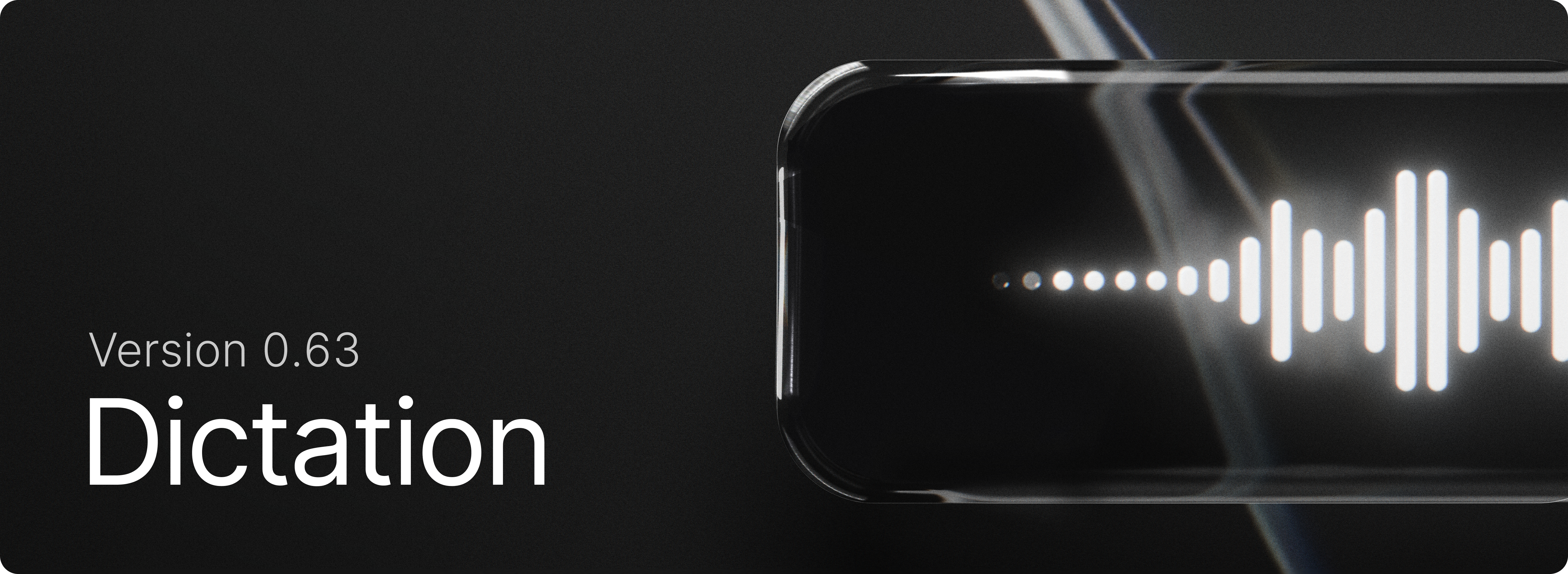
- Dictation: Using the “Copy to Clipboard” output mode no longer adds transcriptions to Clipboard History
- Dictation: Allow pasting of comma separated items into vocabulary, accessible via the Vocabulary command or settings
- Dictation: Microphone audio is automatically boosted during dictation sessions for improved transcription accuracy.
- Updates: “What's New” now appears only for notable releases
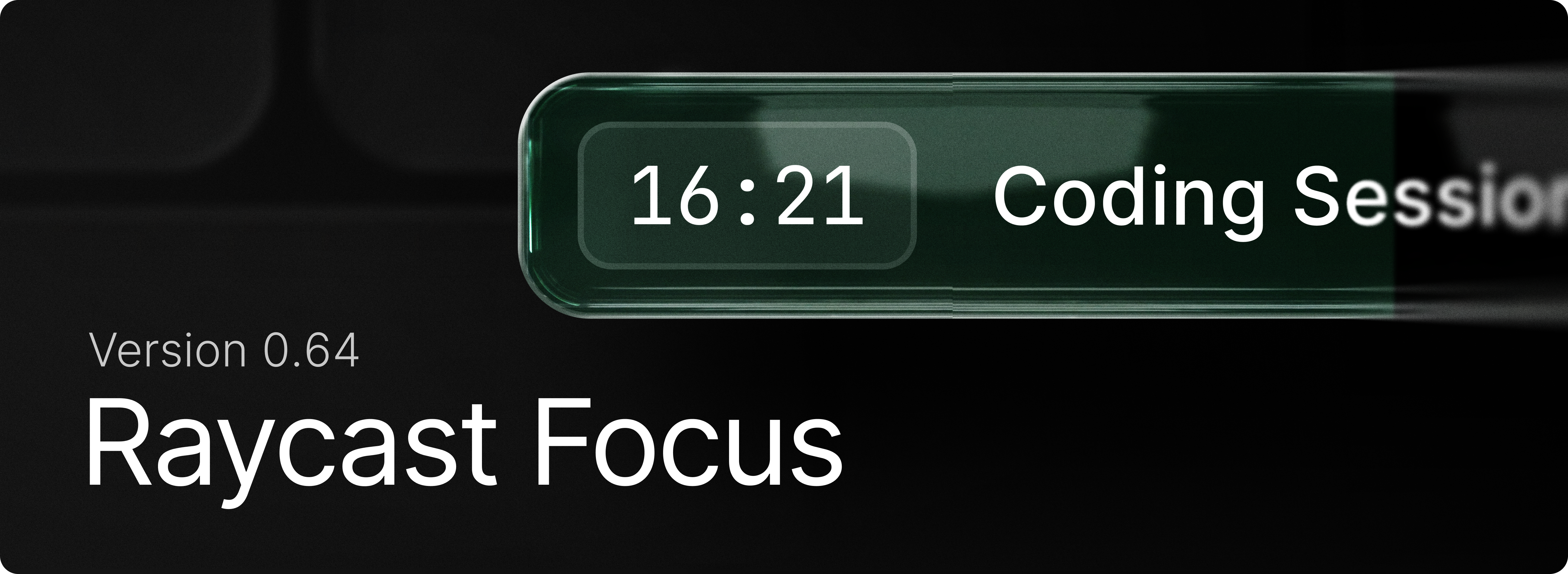
- Focus: Added Zen Browser support
🐞 Fixes
- Core: improve pasting action reliability and performance
- Core: Disabled acrylic background for non-topmost windows
- Core: Fixed snap layout popup action
- Dictation: Fixed an issue where dictation could fail to start or crash due to microphone initialization errors.
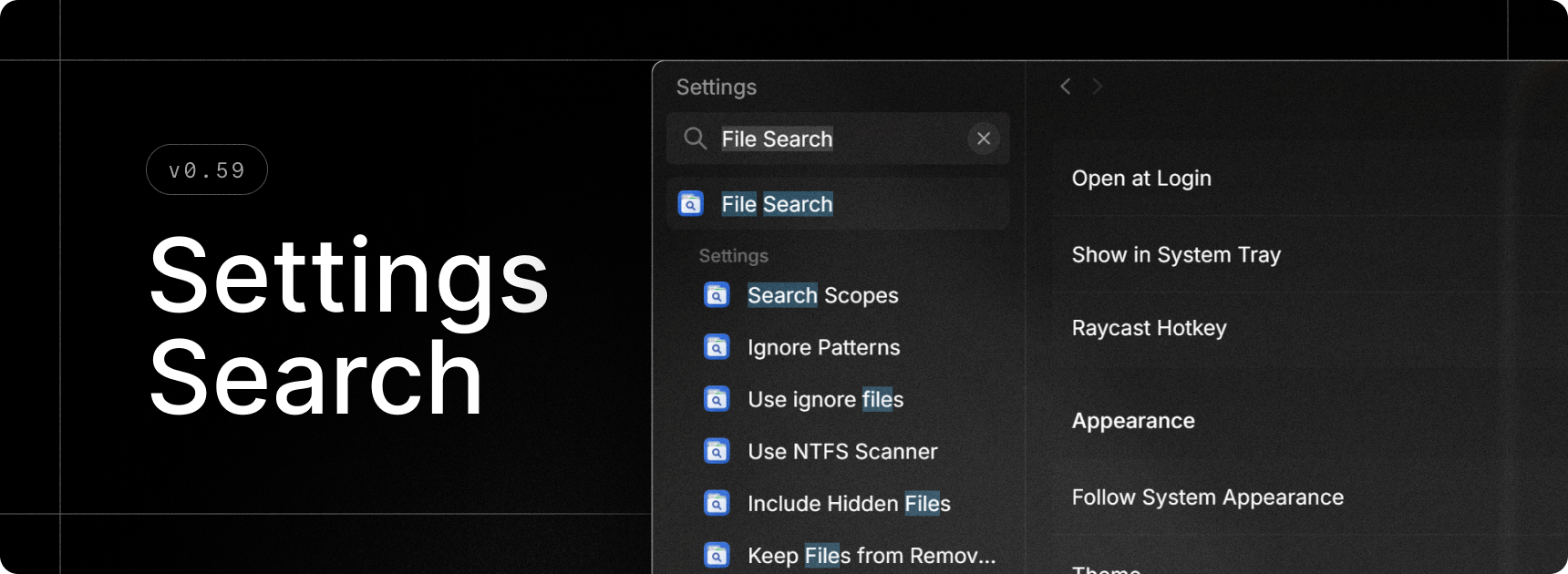
- File Search: Multiple queries are no longer emitted as you type
- File Search: While a new search query fetches results, existing results are no longer cleared
- File Search: Fixed a crash when handling ignore files
- Focus: Fixed Firefox website blocking
- Focus: Fixed locale-independent site blocking for Chromium browsers (Chrome, Edge, Brave, Helium, Opera, Vivaldi)
- Focus: Fixed website blocking in accessibility-disabled Chromium forks
- Focus: Fixed the display of macOS bundle IDs in Windows built-in categories
- HUD: windows no longer appear in Alt+Tab menu selection
- Root Search: File URLs now correctly resolve filesystem entries if they exist
- UI: Use correct button order in alerts
- Updates: Fixed “New update Available” not being visible in certain scenarios
- Theme Studio: Fixed color editor UX (sliders not displaying correct colors)
- AI: Fixed attachment error messages not being surfaced