v0.36November 15, 2025
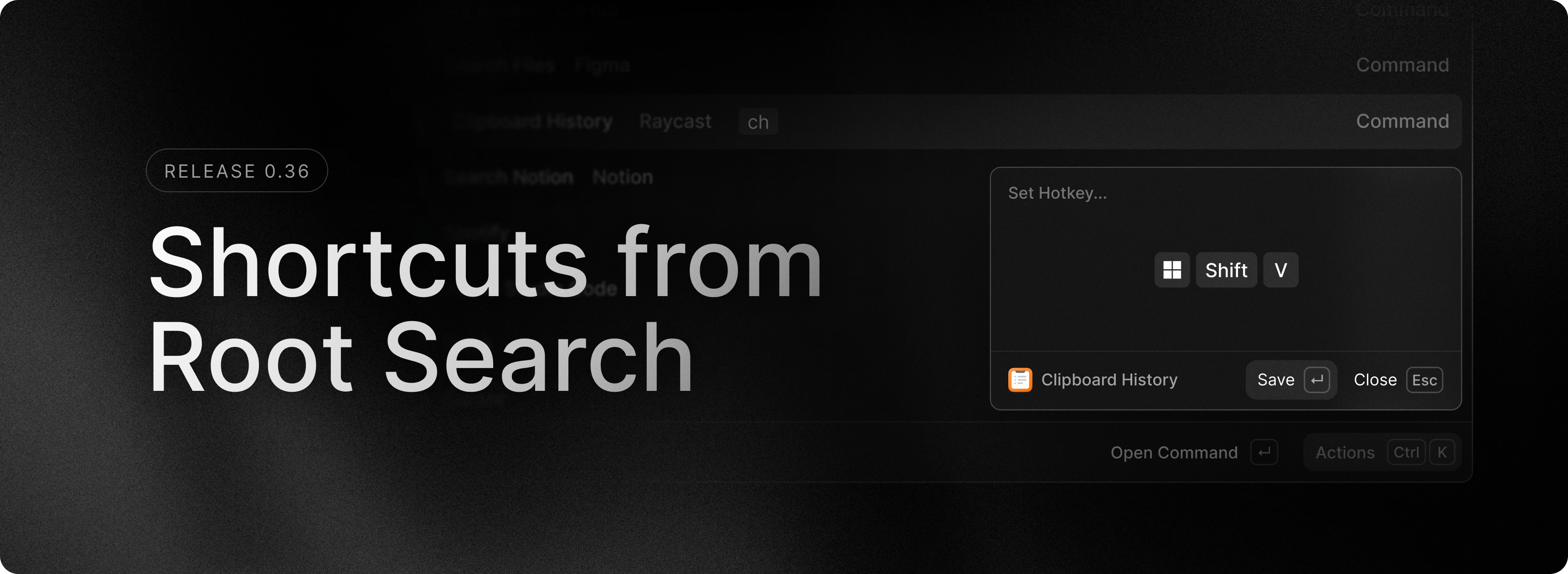
There is a brand new way to set shortcuts for your favourite commands and apps and you can do it all without ever leaving Root Search! The existing “Configure Command” action is now a submenu which exposes further actions that let you set an alias or a hotkey directly from the Action Panel.
Open Raycast and find the app or command you want to configure. Then press Ctrl K to open the Action Panel and search for the “Configure Application/Command…” action. From there, you can set your desired alias or hotkey. Next time you can simply press Ctrl Shift , to set your shortcuts even faster.
✨ New
- Compact Mode: Starting with the “Install Update” item, we are now showing relevant items in compact mode, so next time you update you should see it in compact mode.
- File Search: File Search will now index Google Drive, if configured in File Search Settings.
- Preferences: Toggle Night Light command.
- Root Search: Added a new “Get Started” featured item when launching Raycast for the first time.
💎 Improvements
- File Search: File Search can now be completely disabled via the File Search Settings.
- File Search: It’s now possible to remove the user directory from the indexed paths.
- File Search: Added an option to allow not respecting
.gitignore/.ignore/.rayignorefiles globally. - Quick AI: Added languages to code blocks and made copy code button sticky
- Settings: Shortcuts setting filter now shows modifications first as they are more relevant filters.
🐞 Fixes
- Emoji Search: Fixed the app getting stuck during typing in some cases
- File Search:
.rayignorefiles created by the “Exclude from index” action are now correctly formatted. - File Search: The “Ignore patterns” setting should now behave as expected.
- General: Fixed an issue where popovers wouldn’t close when the window resized.
- General: Fixed a bug that caused Raycast to crash when your username and PC name were identical.
