v2.11November 4, 2026
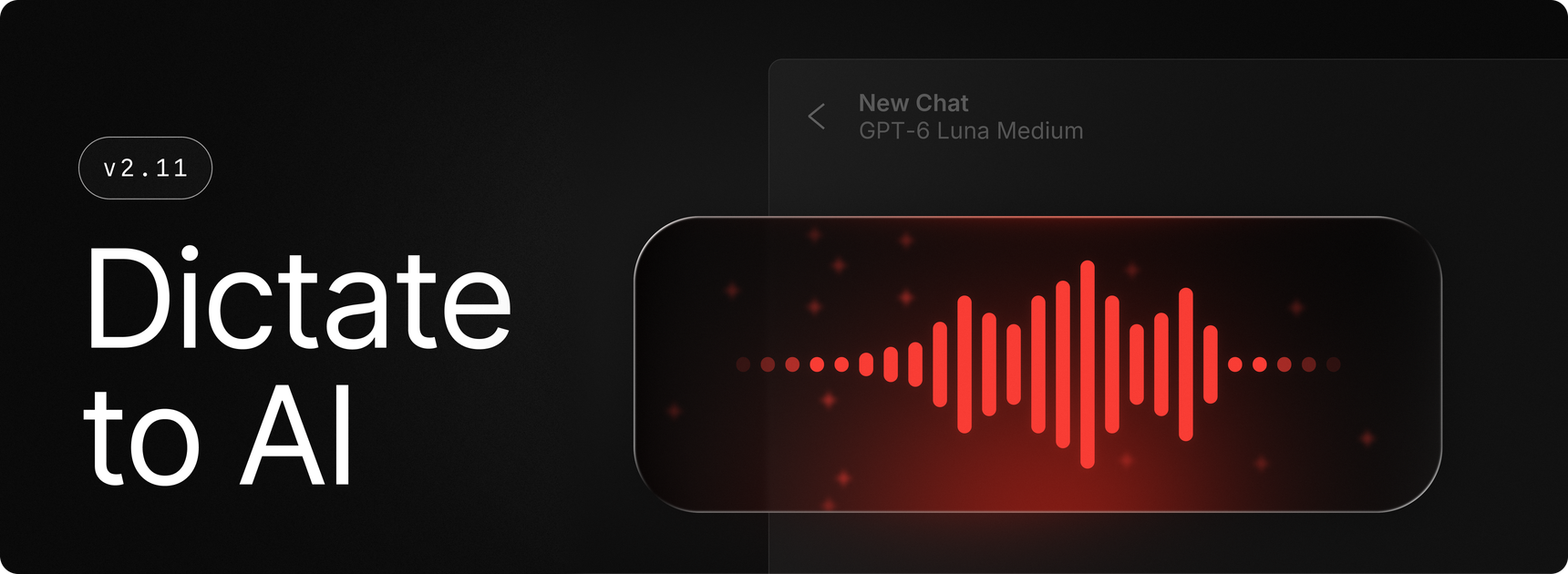
Today we’re introducing Dictate to AI, a new command that combines what you say with context from your focused app to give you relevant AI responses in fewer steps. You can turn context on or off in the command settings.
Tip: Assign a hotkey like Alt + A to Dictate to AI for even quicker access.
✨ New
- Dictation: The all new
Dictate to AIcommand, allowing you to easily go from talking to responses in seconds - Dictation: A brand new dictation AI extension, allowing you to effortlessly use your transcriptions in AI chats and manage your styles and get feedback on them
- Extensions: Added an option to copy settings, history, and shortcuts when forking an extension and disable the original extension
- Screen Awareness: New
Send Element to AIcommand, allowing you to hover over anything on your screen, like a paragraph, an image or a button, and click to send it to AI Chat - Screen Awareness: New
Send Window to AIcommand, allowing you to send a whole window to AI Chat
💎 Improvements
- AI Chat: Allowed renaming chats before the first response finishes
- AI Chat: Improved handling of unavailable models
- Dictation: Improved post-processing quality and performance
- Extensions: Allowed selecting and copying text from setup instructions
- Extensions: Improved rendering performance for large inline images
- Proxy: Added support for proxy auto-configuration (PAC) scripts when Use System Proxy Settings is on
- Proxy: Proxy setting changes now apply without restarting Raycast
- System: Improved reliability of foreground window switching
🐞 Fixes
- AI Chat: Fixed premature timeouts while models from custom provider extensions were loading
- AI Chat & Quick AI: Fixed resumed background tasks and AI commands unexpectedly asking for input
- Changelog: Fixed dates incorrectly displaying “0 months ago”
- Clipboard History: Fixed an issue where selection would default to the top when you have 20 or more pinned items
- Extensions: Fixed lists and grids permanently stopping to load more items when the extension was low on memory. They now resume once memory frees up
- MCP: Fixed connections to older HTTP servers, including Sketch
- Root Search: Fixed wrong sizing of AI command icons
- Search Screenshots: Fixed newly created screenshots sometimes failing to appear
- Search Screenshots: Fixed HEIC and HEIF images being skipped during indexing
- Settings: Fixed Settings search results sometimes loading slowly or incompletely when Bluetooth, Wi-Fi, or Energy Saver status checks stalled
- System: Fixed a slow resource leak that built up the longer Raycast ran
- System: Fixed closing Raycast sometimes moving focus to the wrong window
- UI: Improved performance when displaying long filenames, paths, and URLs
- Updates: Fixed automatic updates not installing after opening and closing Raycast
- Updates: Raycast now reopens if an update fails to install
