v0.64June 12, 2026
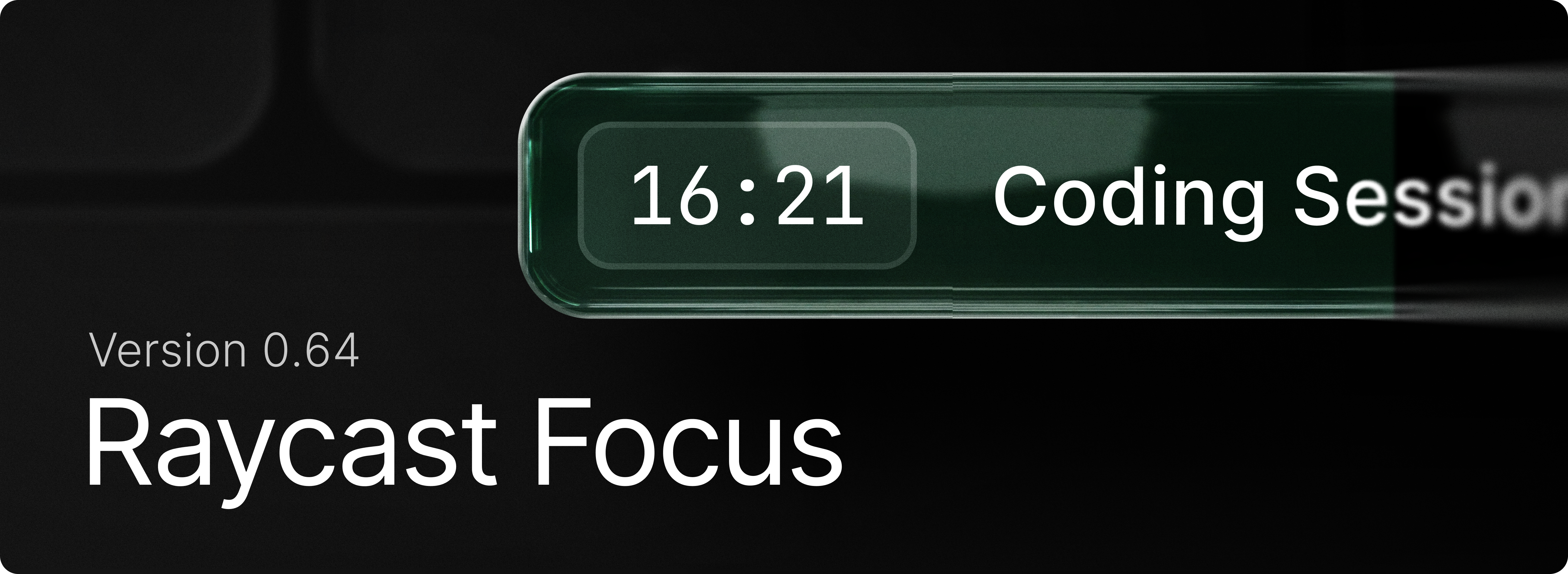
Focus comes to Windows. Stay in the zone, use Start Focus Session to kick off a timed block that shuts out the apps and websites that pull you away, and keep working until the timer runs out. Set up your distractions once with Create Focus Category, then manage things on the fly with Pause, Resume, and Complete Focus Session or jump straight back in whenever you need to lock in.
Learn how to get the most out of the feature with our manual.
✨ New
- Focus: Begin a block that shuts out distracting apps and websites with
Start Focus Session. - Focus:
Edit Focus Sessionadjusts the duration or blocked categories while a session is running. - Focus: Use
Pause Focus Session,Resume Focus SessionandComplete Focus Sessionto control current session. - Focus:
Toggle Focus Sessionstarts or stops focusing with a single command, useful for a hotkey. - Focus: Group the apps and sites that derail you into a reusable set using
Create Focus Category, then review or change them with Search Focus Categories. - Dictation: Transcription Styles let your dictated text automatically adapt its tone and formatting to the app you're writing in (email, messaging, and more).
- Dictation: Dictation now uses the context of the app you're dictating into to transcribe names, terminology, and on-screen words more accurately.
- Dictation: Finish and Cancel Shortcuts, use Ctrl+Esc/Ctrl+Enter or Esc/Enter to quickly submit or cancel dictation session.
- Window Management: Toggle Always on Top. Pin the focused window so it stays above all others. Run it again to unpin.
💎 Improvements
- AI: Improved usability of Create AI Command view
- Clipboard History: Better query matching for non-Latin alphabets (e.g. Cyrillic, CJK)
- Clipboard History: Improved UX of "… and Keep Window Open" actions by delaying the state update so items aren't reordered yet
- File Search: Paths ending with a slash in Browsing mode no longer display the folder as the top result
- Quick Look: Use the
Quick Lookcommand to open a file selected in File Explorer in the Quick Look window. - Run: Improved view layout
- System: Add ability to skip confirmation for emptying the recycle bin
🐞 Fixes
- AI: Markdown streaming is more stable with reduced flashes of incorrectly parsed content
- AI: Tool call permission description is parsed as Markdown, allowing for richer content
- Clipboard History: Fixed copying large amount of text from a Raycast action (like Copy Chat) slowing down Clipboard History
- Extensions: Fixed alert icons busting out layout
- Extensions: Fixed markdown in detail views not being selectable
- Extensions: Fixed an issue where uninstalling an extension wouldn't instantly remove the commands in Root Search
- Dictation: Fixed a crash when starting dictation with no audio output device available.
- Dictation: Fixed dictation failing to start when the audio device was temporarily unavailable
- Dictation: Fixed incorrect microphone helper text in Dictation settings.
- Dictation: Fixed dictation failing to start or dropping mid-session on transient network errors
- Dictation: Fixed an issue where long dictation sessions could fail to transcribe or crash.
- File Search: Fixed issues with ignore files not being respected during incremental indexing
- File Search: Fixed an issue preventing indexed files from being returned as part of the result set
- File Search: Fixed an issue where we were attempting to preview database files which crashed File Search
- Root Search: Fixed space key being swallowed during root search loading
- Settings: Fixed Escape closing the window instead of dismissing an opened alert
- Settings: Removed duplicate settings for a few items (quitting apps, etc)
- Settings: Added missing settings for resetting confirmation warnings (deleting Quicklinks, Snippets, etc)
- System: Fixed crash when trying to quit PWA application.
- UI: Fixed an issue with open Select breaking some layouts
