v0.63June 4, 2026
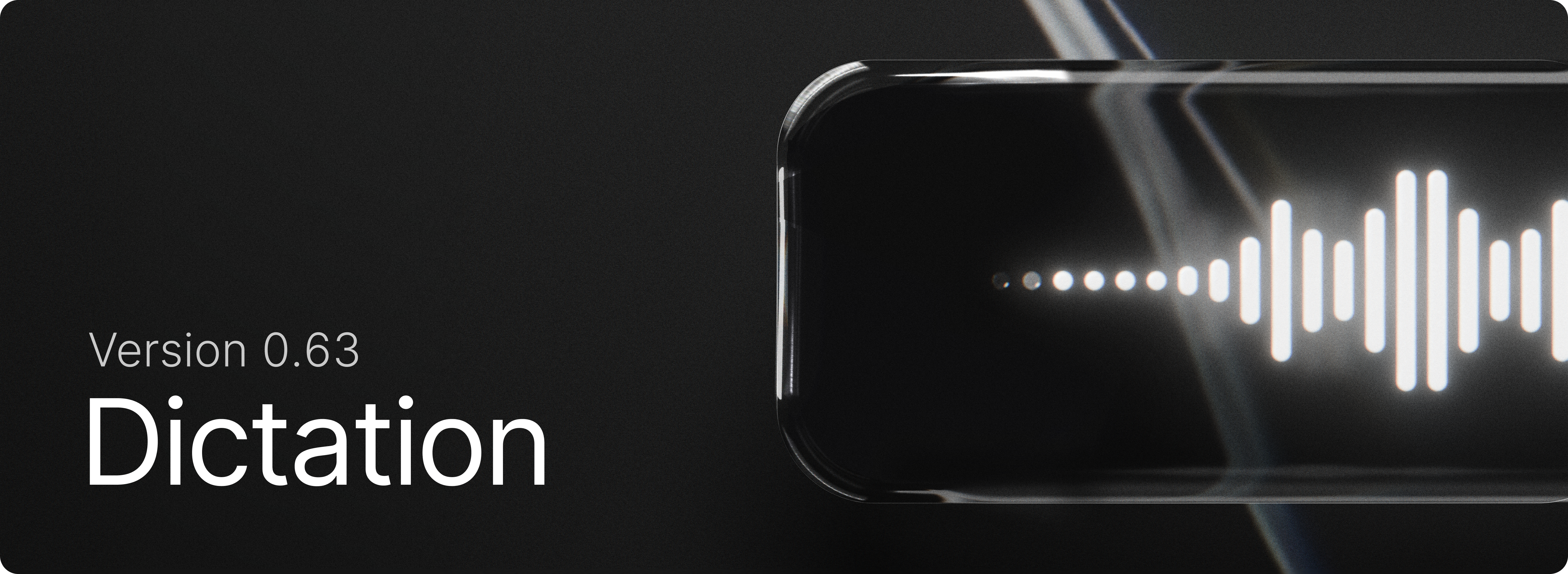
Dictation is now in Raycast for Windows! Press your shortcut, speak naturally, and get your words instantly transcribed into the active app or copied to your clipboard.
✨ New
- Dictation:
DictateDictate to NoteDictation Historyand other dictation commands are now available on Windows. - Clipboard History: Added new setting for “Prefer pasting as plain text”
- Clipboard History: Copy text from QR code action for images
- Teams: Share AI Commands with your whole team
💎 Improvements
- Applications: Improve winget application discovery
- Quick Look: Do not close Raycast main window
- Root Search: Improved non-selected states of special items (calculator, color, etc)
🐞 Fixes
- Applications: Do not load System environment variables
- Clipboard History: Fixed an issue where we unnecessarily showed the
Paste as…action - Core: Fixed an issue where text would sometimes get selected when dragging a scrollbar
- Extensions: Fixed an issue in required preferences view where app picker would jump when opened
- File Search: Fixed an issue with infinitely recursive directory trees
- Quick AI: Fixed Quick AI not expanding the view in compact mode when logged out
- Quick AI: Fixed model resetting when changing reasoning effort in certain situations
- Quick AI: Fixed “Send text to AI” opening a new chat instead of using the currently active one
- Translator: Fixed translation not working in root search
- Typing Practice: Fixed an issue where starting a new practice from the results view would restart the current one instead
- Typing Practice: Fixed layout breaking with large scores
