v0.59May 13, 2026
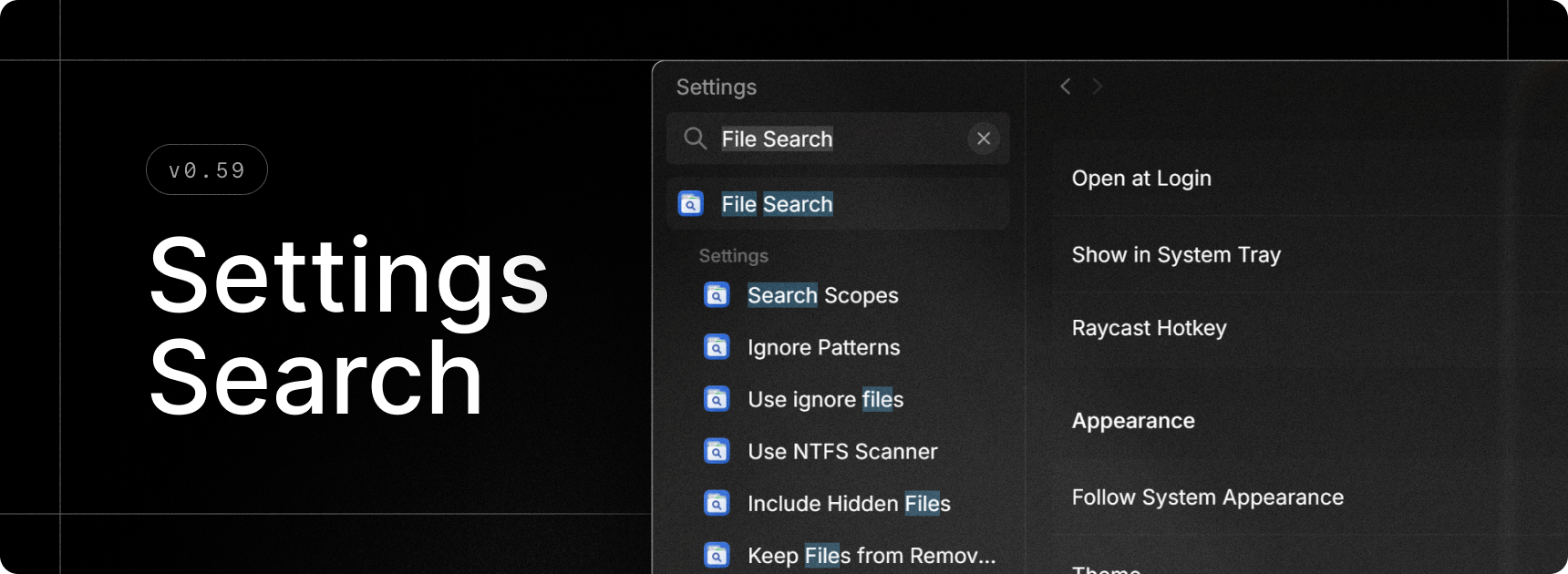
Finally, we built search for Raycast’s settings. Quickly find extensions, commands and settings without having to remember where everything is 🎉.
✨ New
- Settings Search: Press
Ctrl+Fand search for anything - this can be extension, commands, or settings and quickly navigate around to find what you’re looking for. - Screenshots: Scan sub-directories for screenshots
- Switch Windows: Added "Minimize to Tray" action
💎 Improvements
- AI Settings: Added a dedicated page for models with configurable defaults
- Quick AI: Fixed an issue that made it difficult to select the first line of code in a multiline code block
- Root Search: Number hotkeys (e.g.
Ctrl+2) are now supported in compact mode too - Settings: Quicklinks are now grouped by organization in settings
- Settings: Menu bar commands are now clearly grouped in extension settings
- Settings: Improved grouping of custom Window Management commands
- General: Reduces memory usage when the Settings and Notes windows are closed
- General: Improved maximize/restore and close window animations
🐞 Fixes
- Core: Improve graceful shutdown stability
- Core: Fixed Raycast not being notified when upgrading to Pro or Advanced AI
- Export: AI transcriptions and AI Chat folders added to exporter
- Snippets: Fix inconsistencies between snippets expanded with keywords and snippets pasted from the Search Snippets
- Script Commands: Fixed passing arguments to silent scripts
- Script Commands: Fixed passing arguments via deeplinks
- Script Commands: Immediately close the window when running a silent script
- Extensions: Fixed an issue where consecutive hotkeys for extensions wouldn’t hide the window
