v0.45February 13, 2026
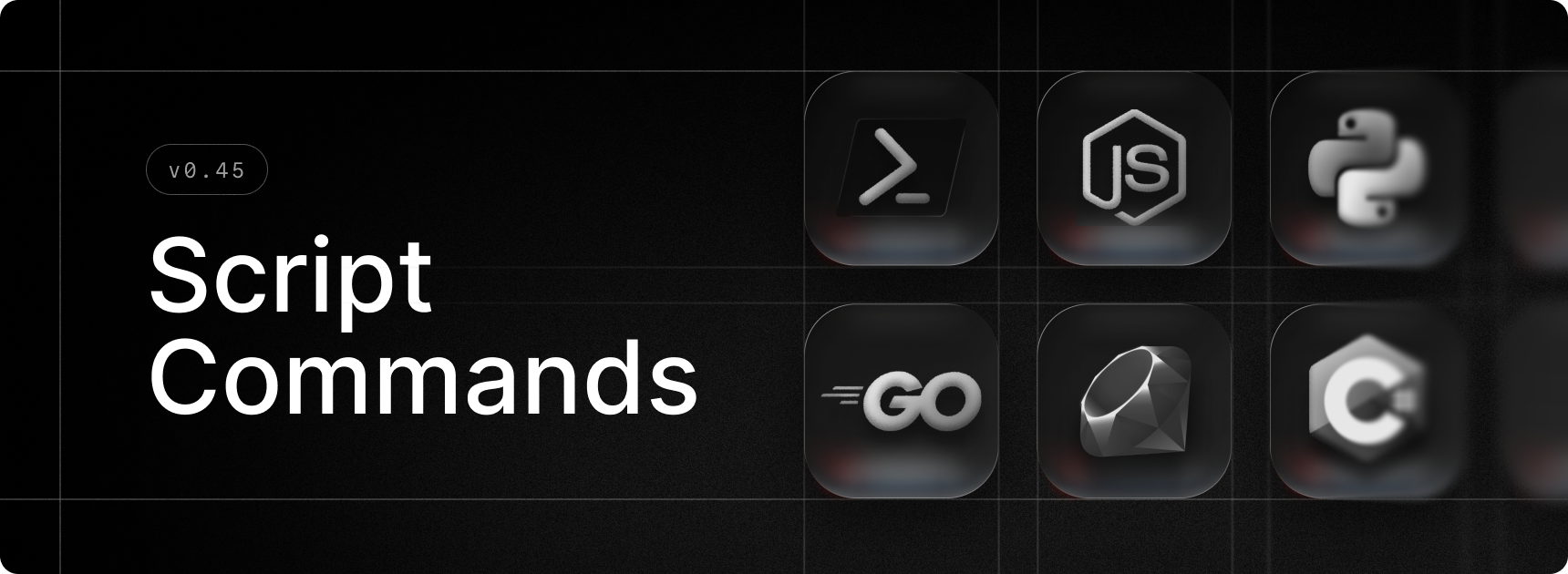
Raycast on Windows now supports Script Commands!
They allow you to run your frequently used scripts in a few keystrokes, or bind them to a shortcut.
Script Commands let you bring your own automation into Raycast by writing simple scripts in any language you prefer — whether it's C#, Bash, Powershell, Python, Node.js, or others. Define a title, description, and other metadata at the top of your script file, and Raycast turns it into a fully searchable command, just like a built-in one.
Quickly create a new script with Create Script Command or import existing scripts by adding a Script Directory from Settings. You can learn more about the metadata format in our repo.
✨ New
- Switch Windows: List all open windows of your running applications and switch instantly. Search for window titles or app names and use the action panel to perform common window or application-related actions.
- Games: Added quick actions to reclassify applications as games and vice versa.
💎 Improvements
- Core: Improve foreground window tracking
🐞 Fixes
- System: Fixed an issue where windows couldn't be properly resized from the top and right edges.
- System: Fixed an issue where the window resize area was too thin.
- System: Fixed an issue when Raycast window won’t show up on hotkey in some environments.
- System: Fixed an issue with Typescript-based script commands throwing an error.
