v0.40December 20, 2025
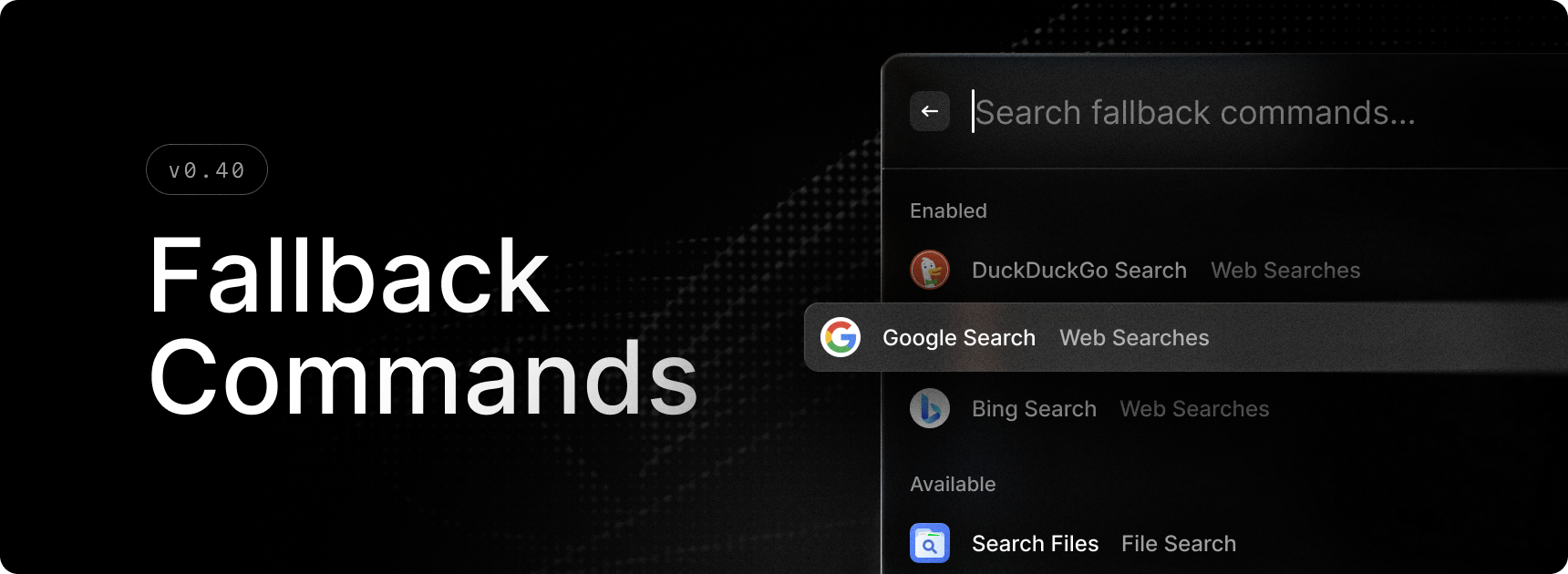
You've probably seen these in Raycast, when your search term doesn't have any matching result. It was a list of pre-defined commands like DuckDuckGo Search, Google Search etc. Now, you can customize the list by clicking the new Settings icon, next to the title of the list section, and select Commands or Quicklinks and Snippets that accept an argument.
✨ New
- Fallback Commands: You can now manage the commands that show up when there are no results in the Root Search.
- Quit All Apps: New System command to quit all running applications. You can define excluded applications in the command’s settings.
- Quit/Hide All Apps Except Frontmost: New System command to quit or hide all applications except the active one. Similar to Quit All Apps, you can define a list of excluded apps in the settings.
💎 Improvements
- Clipboard History: Improved clipboard history details for images that are files.
- General: Fade out animations for HUD notifications.
- General: Added icons to most of built-in extensions’ filter dropdowns.
- Root Search: Added new hint on file items to show they are browsable via Tab/Shift+Tab.
- Quicklinks: We now automatically unquote pasted links.
- Settings: Filter categories no longer incorrectly count "all" as a category.
- System: IME keyboard layouts support.
- System: Settings window now keeps its position and size.
- Snippets:
Disabled Applicationconfig to fully turn off any keyboard tracking in disabled windows. - Snippets:
Expand within Wordstoggle to only auto expand snippets when they are separate words, separated by a delimiting symbol. - Snippets:
Expansion Modeconfig for more fine-grained control over keyword detection with respect to delimiters like space, new line, punctuation etc. - Snippets:
Response Timeconfig that controls text injection delay for systems with slower input processing. - Snippets:
Completion Soundconfig for playing a short sound to indicate successful snippet auto expansion. - Emojis:
Save AI-generated custom keywordsconfig to store the search term you used to find an emoji using AI, helping future searches to find it without AI. - Extensions: Added a
Fork Extensionaction in the Manage Extension command for extensions that you published but don’t have locally anymore.
🐞 Fixes
- Applications: MSIX and PWA apps now open in the foreground.
- Applications: Fixed handling of advertised shortcuts which caused apps like Bitwig to be missing.
- Applications: Fixed a regression that prevented application running indicators to be displayed.
- Extensions: Fixed an issue where changes would be committed to git when forking an extension, leading to issues in the publish flow down the road.
- Extensions: Fixed a case where some images wouldn’t be rendered in a Detail view.
- Extensions: Fixes installed extensions being replaced by their local version when forking them.
- File Search: Fixed an issue where online-only Dropbox files could get downloaded inadvertently.
- General: Fixed an issue where HUD could get too wide.
- General: Fixed an issue where toasts subtitle would get prioritised over title.
- General: Fixed a regression where popovers could get cut-off.
- Hotkeys: Stale hotkeys are automatically cleaned up when assigning new ones or when apps are installed or uninstalled.
- Quicklinks: Hotkeys are now properly deleted when the quicklink is removed.
- Quicklinks: Fixed an issue where the icon would get lost as you typed a link.
- Snippets: Fixed issue when pasting snippet would incorrectly try to remove keyword for snippets with existing keywords.
- Snippets: Fixed issue where shorter snippet keywords were auto expanded instead of longer ones that contained them.
- System: Fixed tray menu theming.
