v0.21April 10, 2025
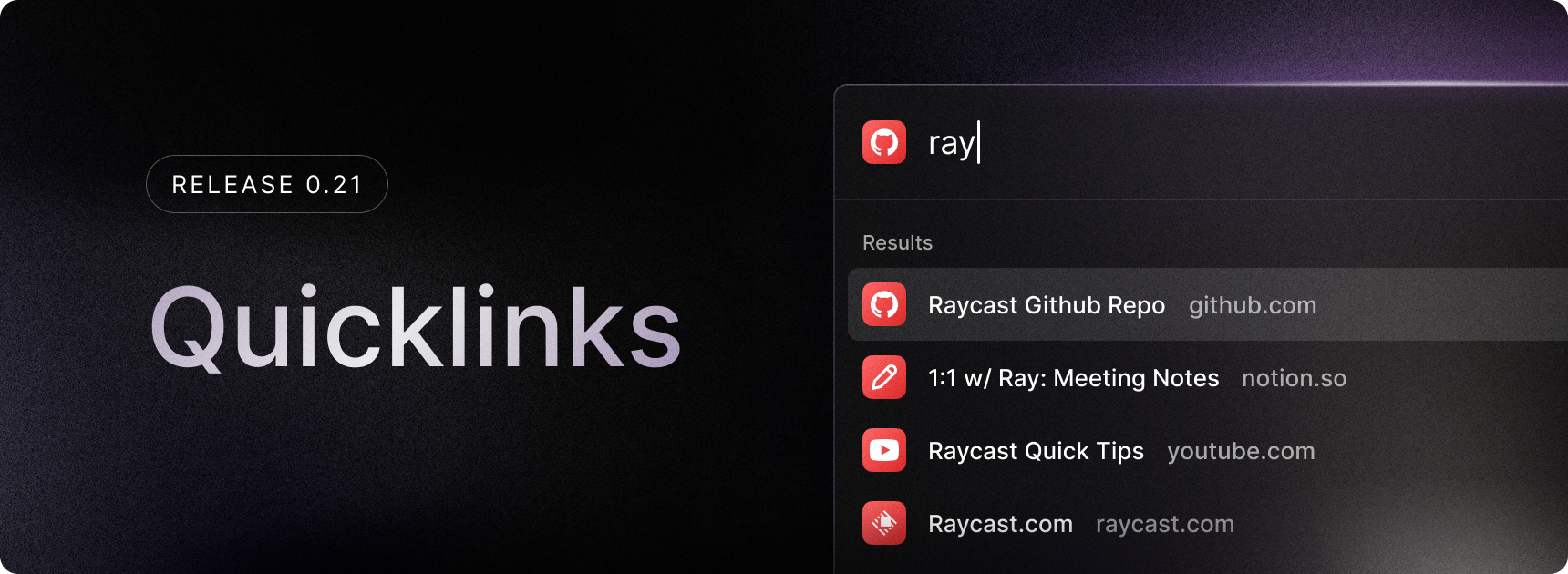
Following snippets, we’re now releasing the first iteration of Quicklinks: a powerful way to save time by storing frequently accessed links!
In this release, you can:
- Create and save Quicklinks for URLs and deeplinks
- Open Quicklinks from the root search
- Search your Quicklinks
- Assign shortcuts to your Quicklinks
We will continue iterating on this, and in future releases, we’ll be adding support for pinned Quicklinks, creating directory links, opening Quicklinks with different apps, categories, and improved organization features.
✨ New
- You can now access the info panel of a file in root search through a new quick action
Show Details in File Search - Added an
Open in Browserquick action to links in Clipboard History - Added support for shortcuts that use URI handlers. This enables your Steam applications to be launched through Raycast.
💎 Improvements
- Clipboard history entries are now deduplicated, so when you copy the same content multiple times, it only appears once in your history. Deduplication only applies to new entries.
- Copied files that are images now show up in the images category in clipboard history in addition to the files category.
- The emoji search has been tweaked to return more results.
- Quick Open will not appear if there is a space in the search term. This is to prevent it from appearing for search queries.
- Updated our in-app social links.
🐞 Fixes
- Fixed an issue where toggling the info panel on or off wouldn’t be remembered
- Fixed an issue where pressing a hotkey wouldn’t move the active window to the right display
- Fixed an issue where Raycast would open randomly without using the hotkey or clicking the icon
- Fixed the
Delete Snippetshortcut to beCtrl+Deleteinstead ofCtrl+Shift+Delete - Fixed the UX of very long toast messages
