v2.4September 14, 2026
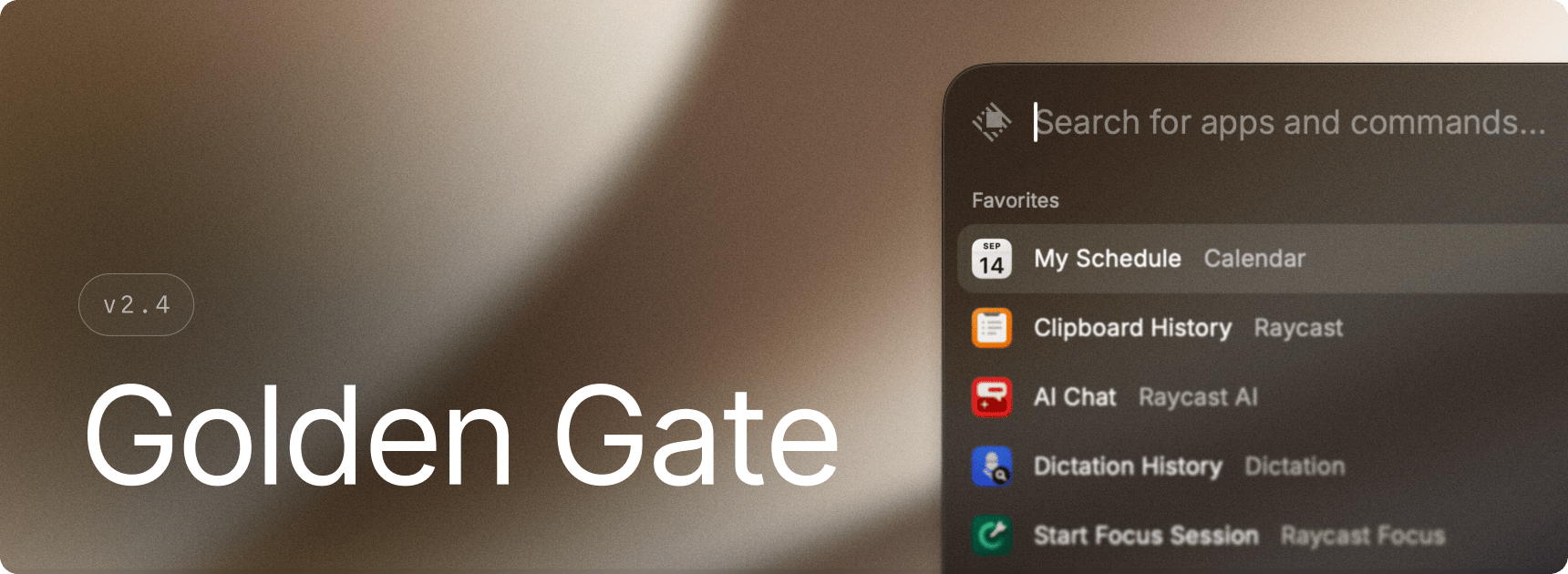
macOS Golden Gate is out, bringing many user interface changes. While there are no major new features, we've focused on implementing some of these design tweaks in Raycast, such as new sidebars / toolbars as well as Liquid Glass updates.
✨ New
- UI: Updated all user interfaces to support macOS Golden Gate
💎 Improvements
- AI Chat: Copying or pasting a response now takes only the final answer, leaving out the working narration that came before it
- Calendar: Added support for opening events in BusyCal installed through Setapp
- Emoji & Symbols: Improved text symbol rendering performance when reopening the window
- Performance: Improved responsiveness when loading images, icons, and contact thumbnails
- Script Commands: Scripts now run from their own folder by default, with support for relative and home-directory paths
- Script Commands: Script commands now run with your regional locale, so dates, numbers and currency in their output match your system settings
- Startup: Added clearer instructions for restarting Raycast after cancelling Keychain access
- Store: Added update details showing which extensions were updated, skipped, removed, or failed, with access to version history
🐞 Fixes
- AI: Fixed messages and corresponding reasoning sometimes appearing in the wrong order
- AI Chat: Fixed system beeps when switching chats with Control-Command-Up and Control-Command-Down
- AI Chat: Fixed focus not returning to the previous app after dismissing an Always on Top window
- AI Chat: Fixed copying a generated chart or image from a response. Copy and paste now pick the generated image when a response has one, in both AI Chat and Quick AI.
- AI Commands: Fixed AI terminal commands and MCP servers running under the wrong locale, which made
bashandperlprint asetlocalewarning into the output the model reads - Clipboard History: Fixed Save as File and Save as Snippet being unavailable for large text entries
- Clipboard History: Restored image actions for images copied from apps such as Figma
- Clipboard History: Fixed background text recognition preventing external drives from being ejected
- Commands: Fixed commands failing to launch while a confirmation dialog was closing
- Crash: Fixed file watcher SIGTRAP crash caused by over-releasing the watcher when it fails to start due to resource exhaustion
- Dictionary: Fixed some words, such as “gills”, failing to display their formatted dictionary definition
- Dynamic Placeholders: Fixed clipboard placeholders omitting large text entries or preventing expansion when saved clipboard text was unavailable
- Emoji & Symbols: Fixed searches containing double quotes failing to return results
- Extensions: Fixed links opening in the default browser instead of their associated app, including Safari web apps
- Migration: Fixed importing settings from Raycast Classic incorrectly disabling moved apps or another installed copy
- Notes: Fixed notes opening behind AI Chat when Always on Top was enabled
- Notes: Fixed moving a pinned note to the top sometimes hiding the note from the pinned section
- Raycast Focus: Fixed sessions started through AI or deeplinks ignoring configured preferences, including snooze and app restoration
- Raycast Focus: Fixed blocked apps remaining open when switching away from the blocking overlay, and corrected overlay placement with multiple displays
- Raycast Focus: Restored the glow and confirmation message when starting a session through a deeplink
- Raycast Focus & Calendar: Fixed duration inputs such as “until 15:00” and “until 3pm” not being recognized
- Script Commands: Fixed quickly finishing scripts getting stuck on “Running” and missing error messages when scripts failed to start
- Window Management: Fixed the Raycast window position shifting after bounce animations
