Use AI commands in your notes to quickly generate ideas, refine your writing, or edit content. You can also compose notes hands-free with the new dictation feature - no typing needed.
โจ New
- Notes: Use AI Commands inside Raycast Notes
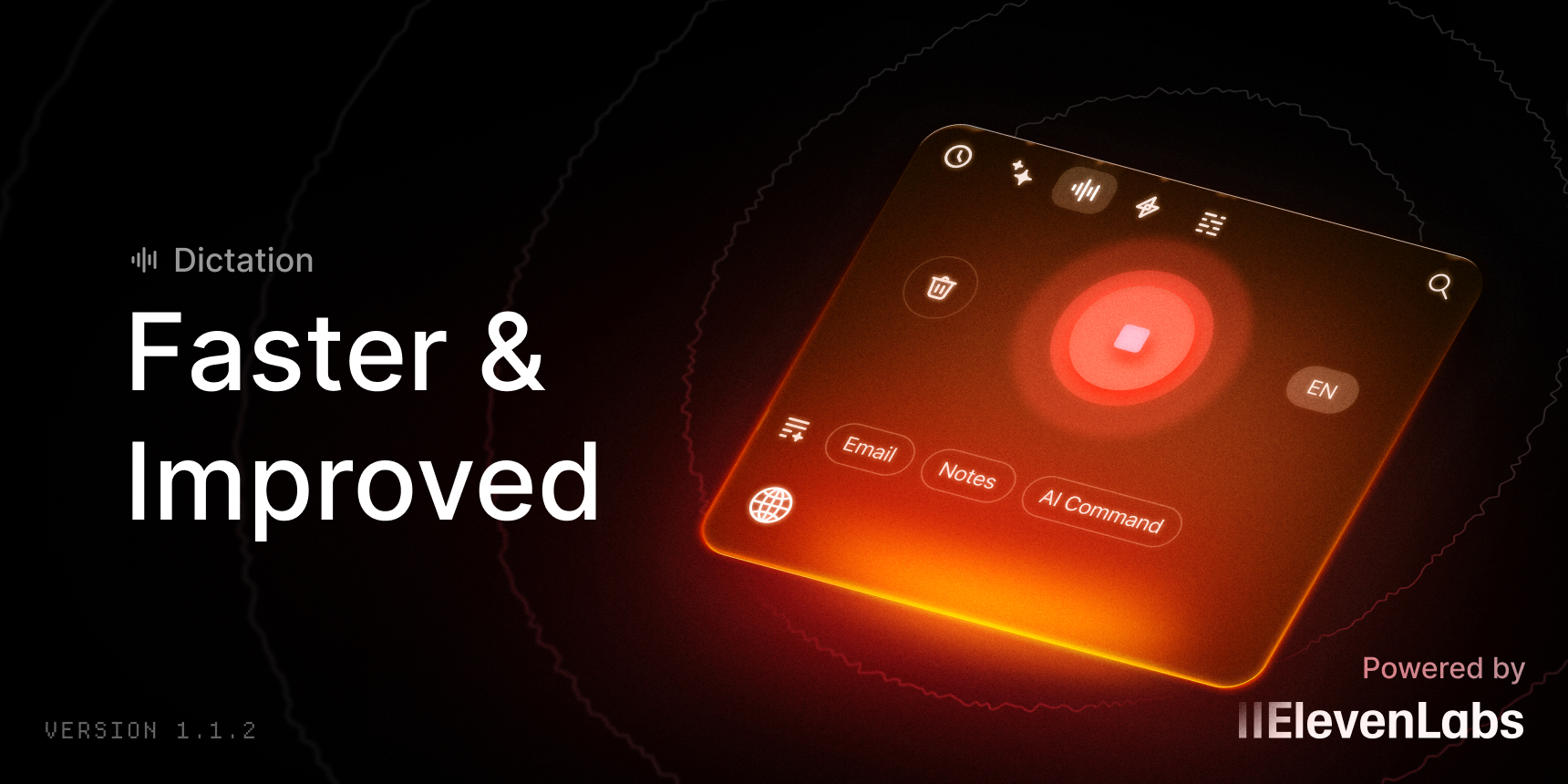
- Notes: Take notes hands-free using dictation
- Notes: New Create Dictated Note command and Shortcuts action will open a new note with recording turned on
- Misc: Access and view changelog in-app under Settings
- Misc: Open Search Lockscreen and control widgets
- Login: Support for 2FA
๐ Improvements
- AI: Added ability to rename AI Chats
- AI: Voice recording now continues when app goes into background
- AI: Built-in presets now use last used image generating tool
- AI: AI Commands list sorted by creation date
- Misc: View all keyboard shortcuts under settings
โ + ,
๐ Fixes
- AI: Fixed a crash when generating links with Sonar Pro
- AI: Fixed cursor position in Create AI Preset/Command forms after pasting/autocompletion
- AI: Fixed some metadata not updating after edits in preset detail sheet
- AI: Fixed commands and presets icon not updating on model change
- AI: Fixed an issue where Perplexity models would yield an error in chat
- Notes: Fixed shortcuts for lists
- Quicklinks: Fixed quicklink icon resetting on edit
- Action extensions: Fixed case where you could tap on Create button multiple times resulting in quicklinks/snippets/notes duplicates
- Misc: Archived notes are now removed from favorites list
- Misc: Archived notes are now hidden from recent search list
- Misc: Fixed app crashing on alert sheet showing on iPad