v1.5.6November 26, 2026
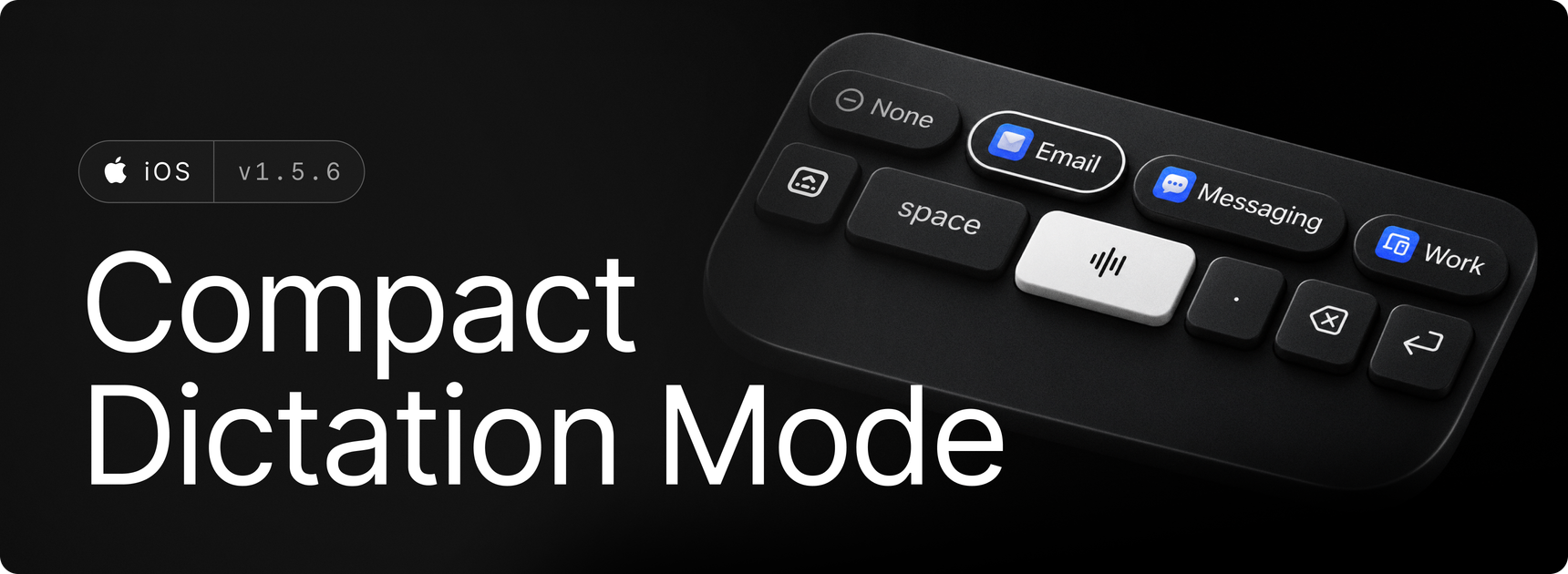
Keyboard has a new mode fully optimized for dictation. Pick a dictation style and start talking, or tap Show Keyboard to go back to typing. To open in this layout by default, go to Keyboard settings → Custom Keys → Dictation Mode and turn on Open in Dictation Mode.
Nine more keyboard languages are available in Keyboard settings → Languages. Add Czech, Finnish, Hungarian, Norwegian Bokmål, Polish, Romanian, Russian, Turkish and Ukrainian. Swipe sideways on the space bar to switch between Latin and Cyrillic layouts.
Your own User Dictionary. Add, edit or remove words in Keyboard settings → User Dictionary, or ask @Keyboard Dictionary in AI Chat to do it for you.
✨ New
- Keyboard. Choose what appears on the left and right of the top row, including where to put Dictation
- Keyboard. Long-press an emoji to type its Slack shortcode, like :joy:
- Keyboard. Show GIFs in a grid
- Keyboard. Apple's French keyboard layouts
- Account. Sign in or create an account with Continue with ChatGPT
- Calculator. The widget can show only your pinned calculations
💎 Improvements
- Keyboard. The bottom-row Dictation key shows when you’re recording. Tap it again to finish
- Keyboard. The long-press emoji picker fills unused slots with recently used emoji
- Keyboard. Improved autocorrect for words typed without spaces, accents, plurals and mixed-language typing
- Keyboard. Emoji, GIFs, swipe typing and dictation use less memory
- Keyboard. Swipe typing is now better at picking up names and your own words
- Keyboard. Better autocorrect
- Keyboard. The bottom-row Dictation key shows when you're recording. Tap it again to finish
- Keyboard. The long-press emoji picker fills empty slots with recent emoji, and emoji search has a Done key
- Keyboard. Emoji, GIFs, swipe typing and dictation use much less memory
- Calculator. New calculation engine
🐞 Fixes
- Keyboard. Fixed the keyboard sometimes opening empty or switching away after a screenshot or opening Control Center
- Keyboard. Fixed AI results overflowing when the top bar is hidden and backspace doing nothing in an empty emoji search
- AI Commands. Fixed synced commands that use OpenRouter models
- AI Chat. Fixed signing in to some MCP servers
