v1.2.13May 29, 2026
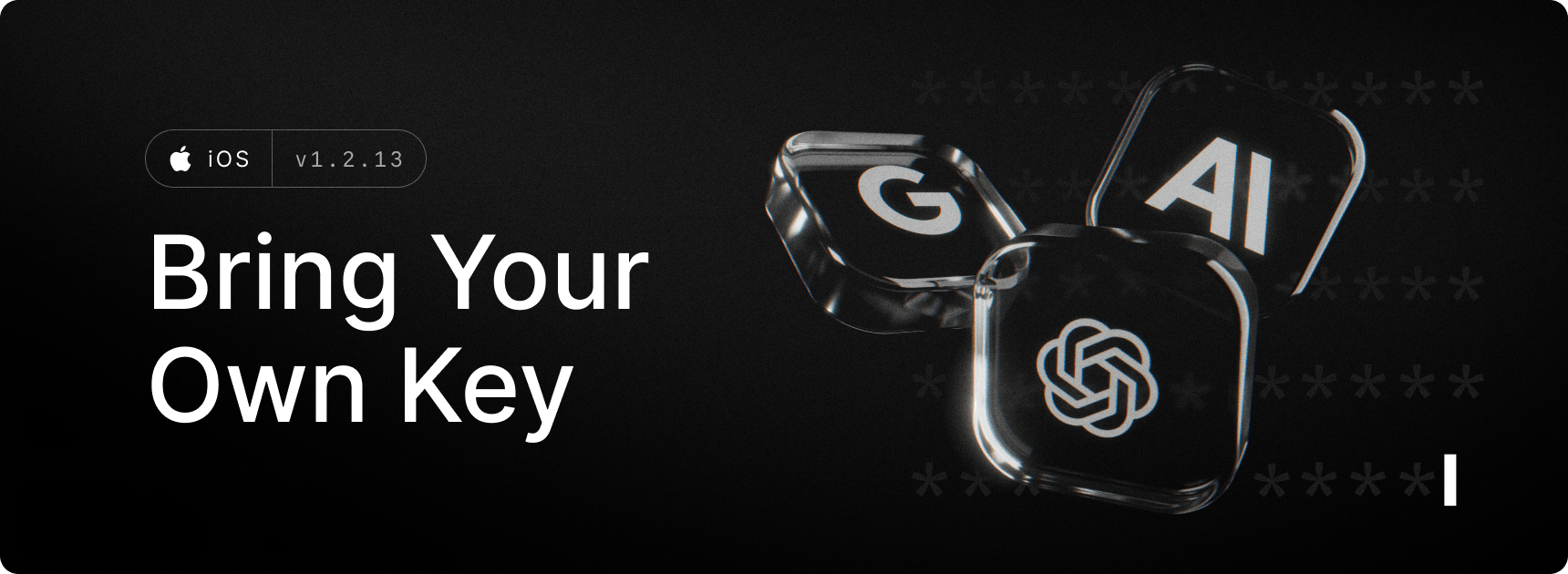
Bring Your Own Key (BYOK) seamlessly integrates your existing AI provider accounts with Raycast's intuitive interface. With BYOK you can now use Raycast AI with your own API keys for Anthropic, Google, OpenAI and OpenRouter. This allows you to send as many AI messages as you want at your own cost without a Pro subscription.
Snippet Expansion finally comes to iOS. Use your favorite keyword across the Raycast app to quickly insert a snippet.
✨ New
- AI: Use Raycast AI with your own API keys for Anthropic, Google, OpenAI and OpenRouter
- AI: Added quote attachment support
- AI: Cell selection for tables in chat
- Snippets: Inline snippet expansion across Raycast app (AI Chat, Notes etc)
- Team: Added support for moving Quicklinks and Snippets between personal and team spaces
- Notes: Added a setting for automatic ticked items sorting in todo lists
- Notes: Added toolbar button for horizontal rule
- Search: Added search by acronym
- Shortcuts: Improved Open App intent parameter selection to only include commands and favorites
- Shortcuts: Added Open Quicklink and Get Snippet intents
- Shortcuts: Added intents grouping and descriptions for better UX
💎 Improvements
- AI: Improved loading for loading a chat
- AI: Improved loading for loading chat list
🐞 Fixes
- Dictation: Fixed an issue with the session timer cancelling active dictation
- AI: Fixed empty lists while changing tabs when search is on
- AI: Fixed restoring reasoning effort if no model was selected in home view composer
- AI: Fixed broken file/text attachments when reopening a chat created on the same app lifecycle
- AI: Fixed UI not responding while attaching a recently taken photo which was taking longer to appear
- AI: Fixed a few formatting issues in chat
- AI: Sorted out large inset when searching in AI tab
- AI: Fixed pagination issue in chat where offset would jump when scrolling
- AI: Fixed an issue where loaded chat wouldn’t always start at bottom
- Misc: Fixed multiple UI views not updating after appearance change
- Home: Fixed pull down to search when tapping in recents section
- Home: Prevent pull to search accidentally triggering when scrolling up in home view
- Search: Fixed incorrect scroll position in search view when search is triggered on tap
- Keyboard: Fixed recents section being empty on initial launch on iPads
