v1.0.5June 17, 2025
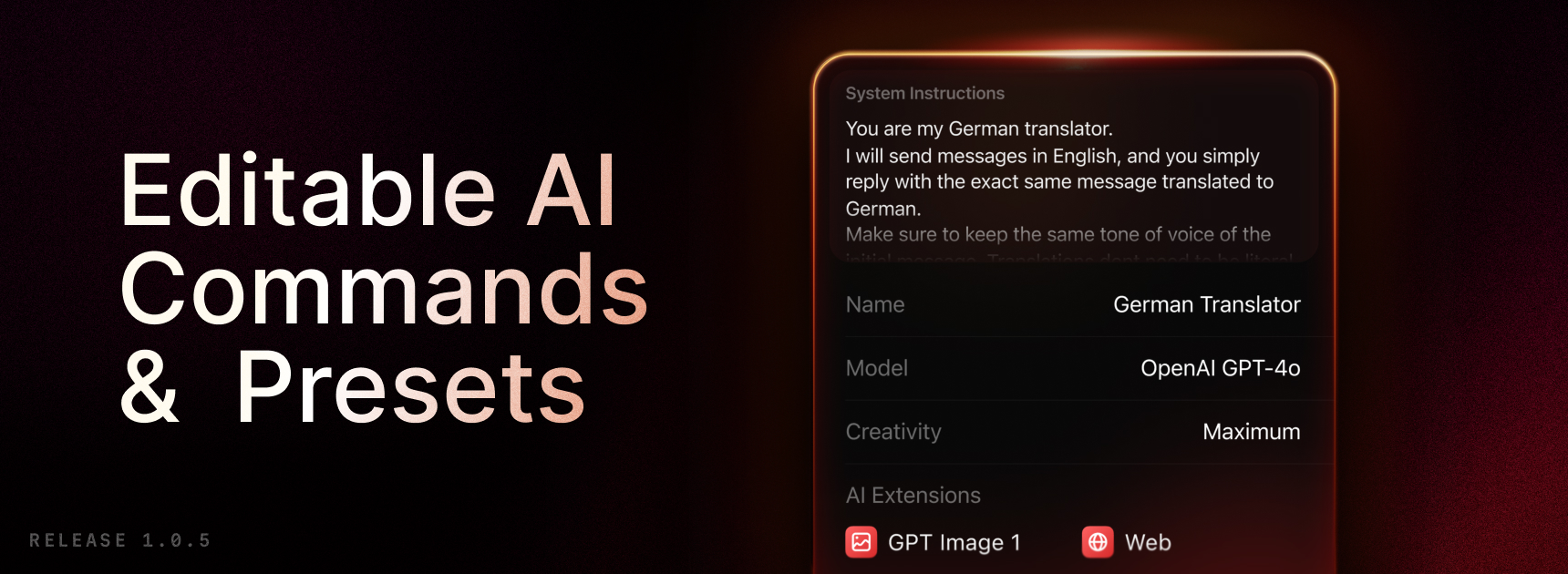
Unleash your creativity anywhere! With this update, you can now effortlessly create AI commands and AI chat presets directly on your iPhone. Previously limited to syncing from your desktop, you now have full control to craft and customize these AI utilities right from your mobile device.
✨ New
- AI: Create and edit AI Commands and AI Presets
- AI: View Presets and commands under the AI Tab
- Misc: Content is now available in Spotlight search. You can now search for your frequently used notes, quicklinks, among other things, from your home screen on iOS
- Misc: Added command to Open Last Note
💎 Improvements
- Misc: You can now pin notes, snippets and quicklinks
- Misc: You can now create and use AI chats and notes deeplinks
- Notes: Added keyboard shortcut for creating a link [⌘L]
- Notes: You can now export selected note from notes list
- Search: Auto hide the keyboard when scrolling content
- Search: Added the ability to clear your recent searches
- AI: You can now use your custom presets from the Ask AI Intent
- AI: Improved chat content line height and spacing
- AI: Added Open AI Chat Shortcut action
- AI: You can choose with image generation tool to use in chat settings
🐞 Fixes
- AI: Fixed chat text colors not updating after appearance change
- AI: Fixed tapping on model sometimes not working in model picker of AI chat
- AI: Fixed return key not adding a new line for system instructions on iPad
- AI: Fixed showing the preset / model picker buttons when creating a new chat from inside the chat view
- AI: Fixed so correct model is now saved when using the Ask AI Intent
- AI: Fixed AI chats are sometimes misleadingly named
- AI: Fixed so switching model is now properly saved when in a chat
- AI: Fixed AI throwing error when continue a chat that contains tool calling
- AI Commands: Commands not supported on iOS are now separated to their own section in Share extension
- AI Commands: From now on alert will be shown when trying to run commands not supported on iOS
- AI Presets: Fixed the default icon for a custom preset to be the model provider instead of Raycast logo
- Notes: Fixed divider color in light mode
- Notes: Fixed Weekly and Daily note command not using a header
- Share Action Extensions: Fixed actions naming to better distinguish Raycast actions from the other apps’ actions
- Arguments: Correctly focus content input when there are no additional arguments
- Quicklinks: Fixed opening URL with scheme only
- Misc: Fixed the delete confirmation on lists not appearing on iPad
- Widgets: Fixed icons for control widgets sometimes disappearing
