v0.64June 12, 2026
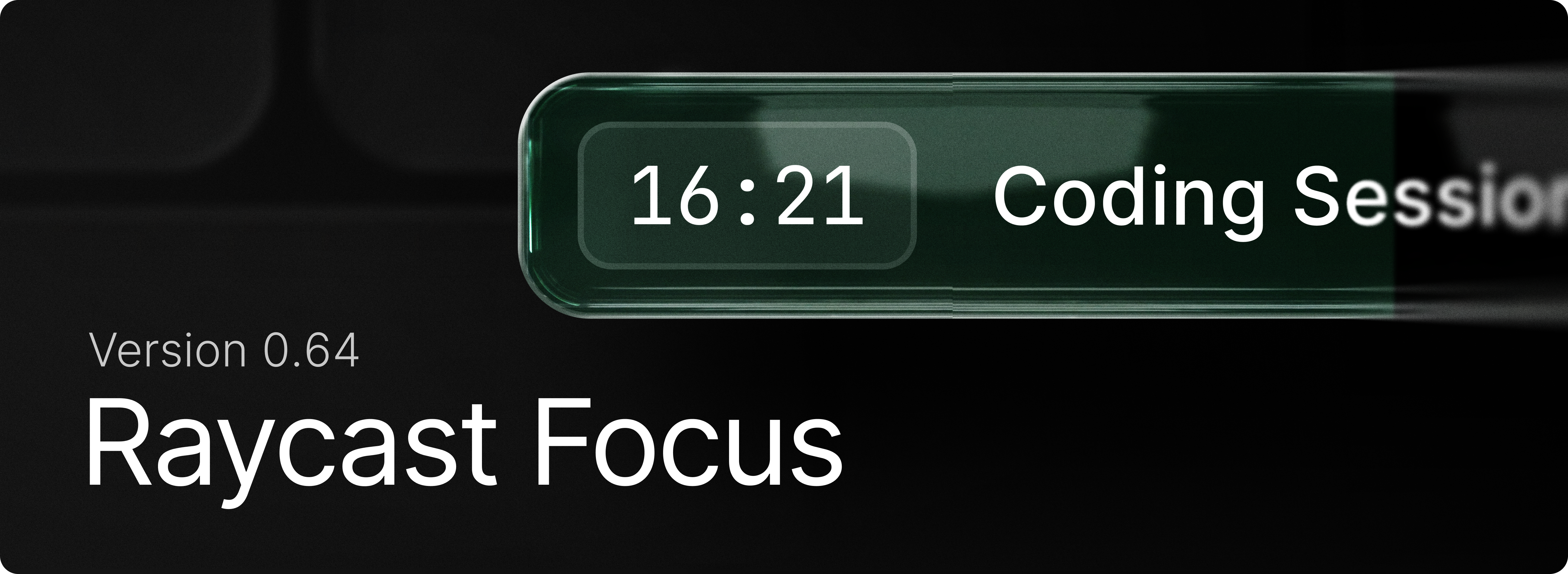
Raycast Focus is back to help you achieve your goals without distractions. Simply use the “Start Focus Session” command to get started. Set a goal, define the duration you want to work on it, and select the apps and websites you want to block.
Learn how to get the most out of the feature with our manual.
✨ New
- Focus: Begin a session that shuts out distracting apps and websites with
Start Focus Session. - Focus:
Edit Focus Sessionadjusts the duration or blocked categories while a session is running. - Focus: Use
Pause Focus Session,Resume Focus SessionandComplete Focus Sessionto control current session. - Focus:
Toggle Focus Sessionstarts or stops focusing with a single command, useful for a hotkey. - Focus: Group the apps and sites that derail you into a reusable set using
Create Focus Category, then review or change them with Search Focus Categories.
💎 Improvements
- AI: Improved usability of Create AI Command view
- AI: Markdown streaming is more stable with reduced flashes of incorrectly parsed content
- AI: Tool call permission description is parsed as Markdown, allowing for richer content
- AI Chat: Improved chat sidebar animation
- AI Chat: Improved chat sidebar handling of collapsed state and navigation
- Clipboard History: Better query matching for non-Latin alphabets (e.g. Cyrillic, CJK)
- Clipboard History: Improved UX of "… and Keep Window Open" actions by delaying the state update so items aren't reordered yet
- File Search: Paths ending with a slash in Browsing mode no longer display the folder as the top result
- Quicklinks: Prefer Existing Tabs setting now supports more Chromium and WebKit browsers
- Search Menu Bar Items: Grouped searched menu bar items into a single section
- Snippets: Improved snippet expansion reliability and accuracy. Faster expansion when snippets are expanded within Raycast. More accurate {cursor} placeholder placement.
- System: Add ability to skip confirmation for emptying the trash
- Core: Improved hotkey conflict detection
- Core: Hotkey conflict indicators appear in root search, Shortcuts settings
- Core: Command hotkeys are now unregistered when an extension is disabled
- Search Menu Items: Added support for disabling specific applications
- Search Menu Items: Search results are now displayed in a single group to improve discovery
- Root Search: Contacts now have an Open in Search Contacts primary action
🐞 Fixes
- AI Chat: Removed flicker when searching through chats in sidebar
- AI Chat: Made sidebar peek trigger more conservatively to prevent accidental activations
- AI Chat: Fixed possibility to accidentally trigger sidebar peek while a menu is open
- Clipboard History: Fixed copying large amount of text from a Raycast action (like Copy Chat) slowing down Clipboard History
- Core: Fixed the main window appearing on the edge of another screen instead of the screen containing the mouse cursor
- Dictionary: Fixed font rendering regression
- Extensions: Fixed markdown in detail views not being selectable
- Extensions: Fixed an issue where uninstalling an extension wouldn't instantly remove the commands in Root Search
- File Search: Fixed issues with ignore files not being respected during incremental indexing
- File Search: Fixed an issue preventing indexed files from being returned as part of the result set
- File Search: Fixed an issue where we were attempting to preview database files which crashed File Search
- Root Search: Fixed space key being swallowed during root search loading
- Script Commands: Fixed AppleScript created with “Create Script Command” not being indexed
- Settings: Fixed Escape closing the window instead of dismissing an opened alert
- Settings: Fixed menus showing “Default” value accessory truncating their content
- Settings: Removed duplicate settings for a few items (quitting apps, etc)
- Settings: Added missing settings for resetting confirmation warnings (deleting chats, Quicklinks, Snippets, etc)
- UI: Fixed an issue with open Select breaking some layouts
- Window Management: Commands now work correctly when Displays have separate Spaces is off
- Import: Applications in
~/Applicationsare now imported correctly from v1 - Import: Added support for various Calendar settings previously missing from v1 import
- Import: Added support for importing rich text from v1 snippets
