v0.61May 20, 2026
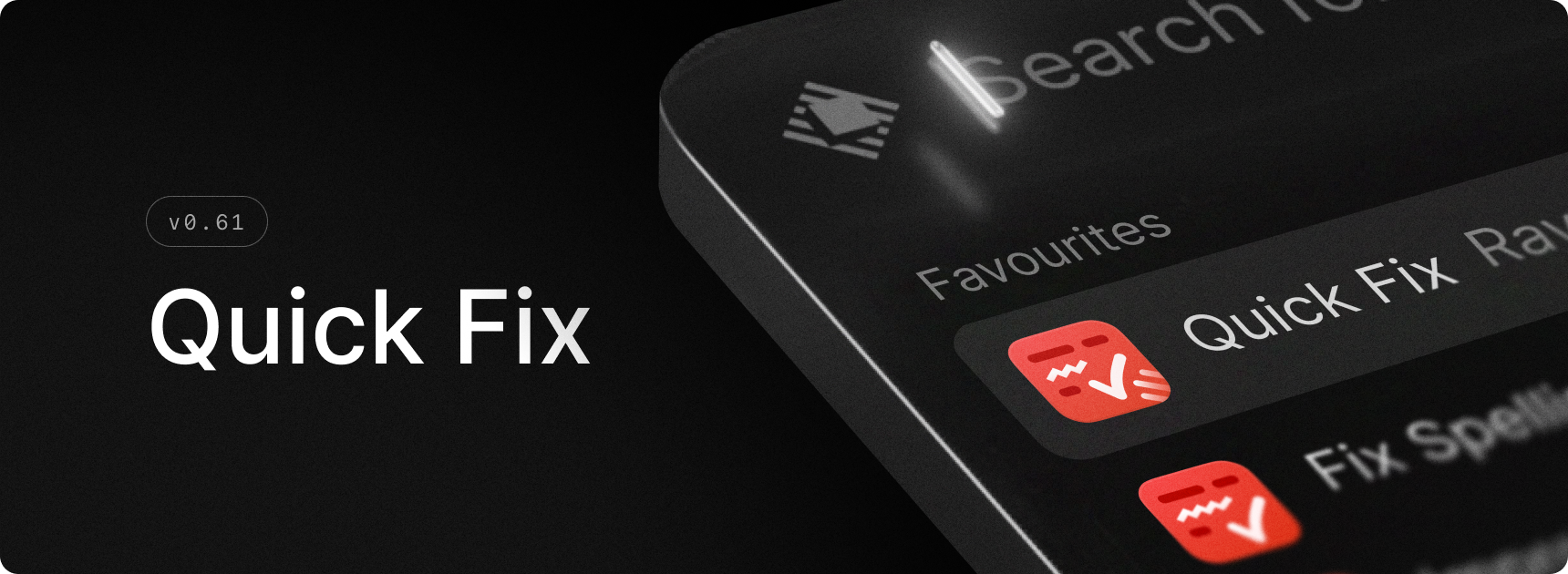
Introducing the Quick Fix command. It takes your selected text, fixes spelling and grammar, and pastes back the corrected text. The first time you use the command, a little onboarding guide helps you set a hotkey. Our team likes to use the right Shift key for it.
✨ New
- AI: New
Quick Fixcommand to quickly fix spelling - AI: New settings to configure the default model for each AI feature
💎 Improvements
- AI Chat: Improved startup and window reveal performance
- AI Chat: Added line wrapping for code blocks
- AI Chat: Added native full-screen support for the non-floating AI Chat window
- Core: Improved text rendering
- Core: Improved liquid glass controls when the window is blurred
- Dictation: Added support for dictation in root search
- Dictation: Improved cancellation behavior
- Dictation: Added Dia, Helium, Zen, and Orion browser support for Styles
- Settings: Improved Switch component states/interactions
- Script Commands: Script command output is now selectable
- Store: Improved stability of Store results while loading
- Translate: Use Selected Text as Source now works via root search as well as via hotkey
- Window Management: Add support for Quick Look panels
- General: Reduced memory usage for app icons
🐞 Fixes
- AI Chat: Fixed selecting reasoning effort resetting model
- AI Chat: Fixed indented markdown rendering
- AI Chat: Fixed new chats opening blank after triggering an AI Command
- AI Chat: Fixed drafts not preserving newlines
- AI Chat: Fixed scrolling to the wrong position after sending a message
- AI Chat: Fixed tab order in the chat UI
- AI Chat: Fixed pagination cursor overlap
- Applications: Use alternate name for Creator Studio apps
- Calendar: Google Meet meeting URLs now include the calendar account email
- Core: Prevent default right-click menu inside popovers
- Core: Allow running several instances of Raycast with different users in the context of Fast User Switching
- Clipboard History: Fix missing Open With and Show in Finder actions for some images
- Clipboard History: Improve reliability for restricted user accounts
- Dictionary: Fixed duplicates in filter panel
- Dictation: Fixed statistics display for large values
- Extensions: Fixed menu bar items not using the system appearance
- File Search: Improved search for files and directories using non-Latin alphabets
- File Search: Fixed an issue which could cause searches to hang the Raycast UI
- General: Fix issues using Raycast v2 in multi-user environments
- Hotkey Recorder: Fixed L⌥ + R⌥ (or any other modifier) not triggering a double tap hotkey ⌥⌥
- Hotkey Recorder: Fixed ⌥⌥ hotkey triggered when pressing ⌥+Space twice
- Hotkeys: Fixed an issue which had hotkeys for disabled commands still respond
- Hotkeys: Fixed hotkey registration when re-enabling a command
- Hyper Key: Improve reliability after restoring from secure input or lock screen
- Import: Improved reliability of Snippet keyword registration after import
- Import: Fix missing open-with application after importing Quicklinks from v1
- Import: Fix occasional hang when running the v1 migration
- Menu Bar: Fix crash when toggling Menu Bar commands
- Onboarding: Tweaked copy of transfer setup to show correct command name
- Permissions: Improved handling of Calendar and Contacts permissions
- Permissions: Fixed an issue where Raycast would not open System Settings when requesting access for a denied permission
- Root Search: Fixed flickering empty state while typing
- Root Search: Fixed duplicate script commands breaking root search list
- Root Search: Renamed "Preferences" section to "System Settings"
- Root Search: Fixed an issue where wrong command ids would show up in HUD after favoriting
- Settings: Fixed double padding issue in Shortcuts settings view
- Settings: Fixed scrollbar not updating when expanding/collapsing sections in Shortcuts settings view
- Settings: Fixed Switch rendering on non-retina displays
- Updater: Surface more detailed error when the updater fails
- Window Management: Improved reliability and silenced some spurious warnings
