v0.59May 13, 2026
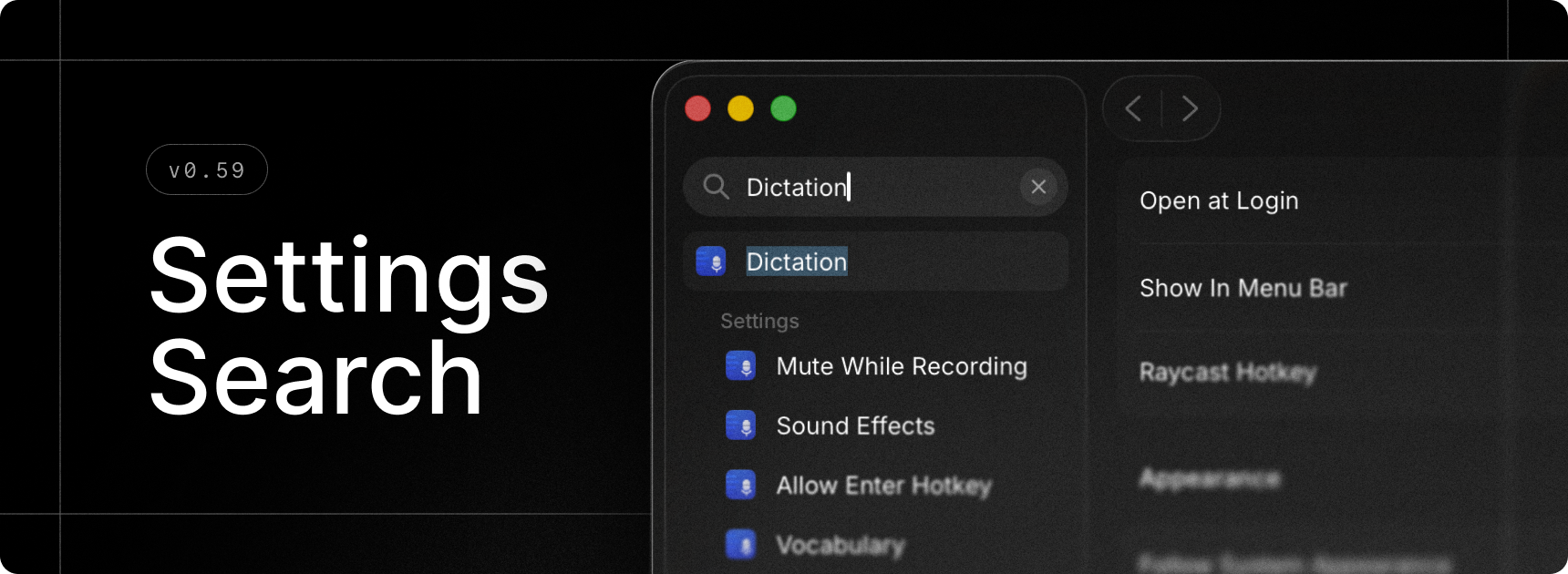
Finally, we built search for Raycast Settings. Quickly find extensions, commands and settings without having to remember where everything is 🎉.
✨ New
- Onboarding: Experience a brand new onboarding flow as a first time Raycast user, or choose to migrate from the previous version of Raycast as an existing user with the migration flow.
- Settings Search: Press
⌘Fand search for anything - this can be extension, commands, or settings and quickly navigate around to find what you’re looking for. - Dictation: Added Push to Talk support for Dictate to Note
- Dictation: Added Push to Talk support for transcription styles
- AI Extensions: Added Raycast Notes AI Extension
💎 Improvements
- AI: Better error handling for remote tools
- AI Chat: Improved startup performance of AI Chat window
- AI Settings: Added a dedicated page for models with configurable defaults
- Dictation: Added support for function keys
- Dictation: Keyterms now load in AI Chat, Quick AI, and AI Command transcription
- Dictation: Added an alert when canceling dictation after 15 seconds
- Dictation: Added faster retry when a dictation failed
- Dictation: Made cancelation behavior smoother
- Clipboard History: Improved detection of excluded applications
- My Schedule: Date formatting now respects the current locale
- Quicklinks: Added Paste Selected Text as Argument option to insert select text in an argument placeholder when the Quicklink is invoked by hotkey
- Root Search: Number hotkeys (e.g.
⌘2) are now supported in compact mode too - Settings: Quicklinks are now grouped by organization in settings
- Settings: Menu bar commands are now clearly grouped in extension settings
- Settings: Improved grouping of custom Window Management commands
🐞 Fixes
- AI Chat: Fixed composer losing new lines when closing and re-opening AI Chat window
- AI Chat: Fixed moving to incorrect scroll position sometimes when submitting a new message
- AI Chat and Quick AI: Fixed an issue that made it difficult to select the first line of code in a multiline code block
- AI Chat: Fixed an issue with AI Chat showing messages twice in rare scenarios
- Calendar: improved handling of events from subscribed calendars
- Calendar: Auto-join alert should not be presented when enabling the feature during an in-progress meeting
- Core: Fixed a flickering issue of blurred state when first opening any window
- Core: Fixed Raycast not being notified when upgrading to Pro or Advanced AI
- Emoji Picker: Fixed
Paste and Keep Window Openshortcut - Export: AI transcriptions and AI Chat folders added to exporter
- Import: Fixed import of double-tap hotkeys from v1
- Import: Improved handling of large
rayconfigfiles when importing from v1 - Import: Adding missing commands when importing from v1
- Import: Fixed incorrect import of Script Command search directories from iCloud Drive
- Hyper Key: Ensure Shift isn’t suppressed when Hyper Key is using another modifier key than Shift (e.g. Right Command)
- Snippets: Fix inconsistencies between snippets expanded with keywords and snippets pasted from the Search Snippets
- Script Commands: Fixed passing arguments to silent scripts
- Script Commands: Fixed passing arguments via deeplinks
- Script Commands: Immediately close the window when running a silent script
- Extensions: Fixed an issue where consecutive hotkeys for extensions wouldn’t hide the window
