v0.57May 8, 2026
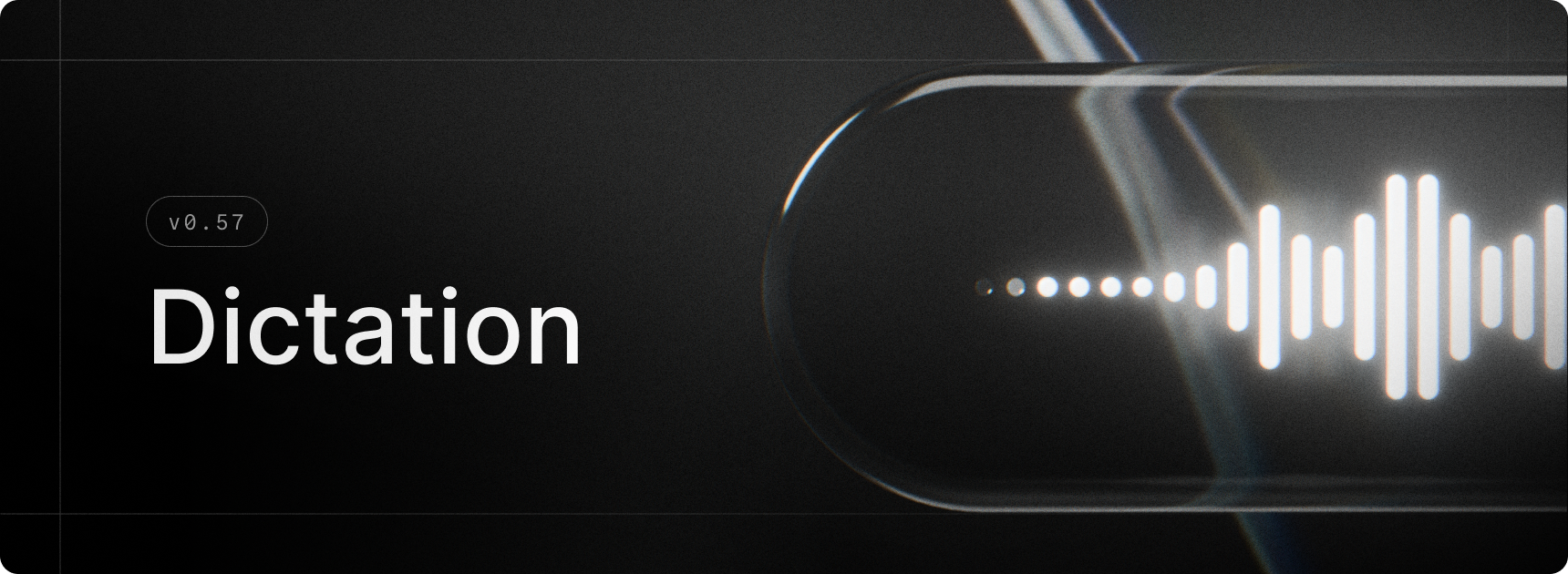
Dictation brings fast, accurate voice-to-text to Raycast on Mac. Press your hotkey, speak naturally, and your words land in the active app as clean, formatted text, with filler words removed and punctuation, capitalisation, and grammar handled automatically. The Dictation Pill floats above your active app with a live waveform, and every transcription is saved to Dictation History for later.
We didn’t stop there. Styles shape your text for different contexts, whether it’s a Slack one-liner, a polished email, or any format you define. Auto Styling picks the right one for the app you’re in. Custom Instructions, Vocabulary, and App Context fine-tune accuracy around your spelling, names, and jargon.
✨ New
- Dictation: Press a hotkey, speak naturally, and Raycast pastes clean, formatted text into any app, with Styles, custom vocabulary, and Dictation History built in
- Bring Your Own Key: Connect your own API key from Anthropic, Google, or OpenAI to use Raycast's AI features without a Pro subscription
- AI Model Picker Details: The model picker now has a beautiful new detail panel for checking the speed, intelligence, context window, and abilities of the selected model
- Quicklinks: Added ability to create a Quicklink from a URL typed in Root Search
- Settings: There is now a new Launcher page where you can customise your Root Search and manage your fallback commands
💎 Improvements
- Core: Enhanced paste actions throughout the app to show the receiving (frontmost) app name/icon
- Extensions: Improved affordance of tag picker component
- Import: Add support for importing AI extension custom instructions
- Import: Added a progress toast when importing from the Welcome view
- Import: Improved UX when an incorrect password is entered
- Shortcuts: The Apple 🌐 (Fn) key can now be used as a single-tap hotkey
- Translate: Dictation is now supported in the Translator
🐞 Fixes
- AI Chat: Deleting all chats in AI Chat no longer deletes pinned chats
- AI Commands: Fixed the deeplink for AI Commands
- AI Models: Fixed the models list not updating in certain cases
- AI Models: Fixed an issue where the list sometimes wouldn’t scroll to the selected model
- Clipboard History: Fixed an issue when items would sometimes overlap after deleting items quickly
- Clipboard History: Fixed an issue where it was possible to navigate the list with arrow keys whilst renaming the entry in the Action Panel
- Core: Fixed
Copy Deeplinkaction not adding an entry to the clipboard history - Core: Ensured move favorite / move pinned actions use the same shortcuts
- Core: Fixed scroll fade being a bit weak in some cases
- Core: Fixed an issue where menus scrolling to the center to reveal selected item would be slightly off-center
- Core: Fixed an issue where sometimes dialogs would lose their background
- Dictionary: Fixed blurry Dictionary.app icon in empty state
- Hotkey Recorder: Fixed an issue which sometimes recorded
Escinstead of dismissing the recorder - Hotkeys: Fixed directional modifier hotkeys preventing using the mirror modifier. For example, defining ⌘right+C was blocking ⌘left+C from being used in other applications.
- Import: Fixed an issue which could cause popup windows to persist after import
- Localization: Improved System Settings localization. They can now be found by both English and localized name in Raycast search.
- Paste Action: Fixed main window reappearing after “Paste and Keep Window Open” action ended.
- Quicklinks: Fixed icon rendering for file links
- Root Search: Fixed an issue where Root Search sometimes appeared visually empty after executing a command, or after hiding Raycast and then re-opening
- Root Search: Fixed an issue where going in/out of compact mode would sometimes result in list items overlapping under the search
- Snippets: We now respect the
Injection Delaysetting when injecting snippets - Snippets: Fixed a bug where sometimes injection would get stuck, requiring expansion to be toggled off then on to re-enable the injection queue
- Store: Ensured search results show instantly when cached
- Translate: Fixed an issue where macOS auto-correct was getting in the way of dismissing the view
- Window Capture: Fixed padding of main window not being suitable for store submissions
