v0.56May 8, 2026
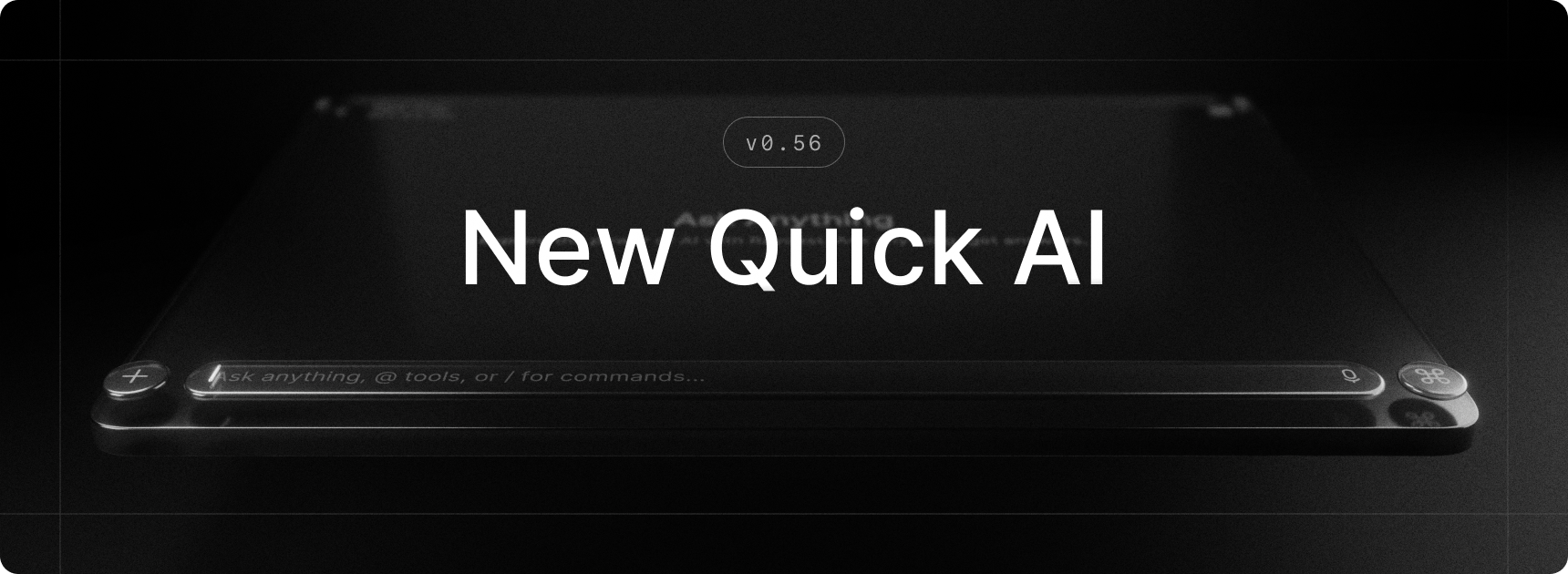
Quick AI gets a major refresh in this release, bringing it closer to the AI Chat experience you already know. The redesigned interface feels like a natural sibling of AI Chat, with a multi-line composer at the bottom so you can see and edit longer prompts at a glance. You can also attach files and images, dial in reasoning effort, and use most of what AI Chat offers. Quick AI now handles longer, more involved questions just as well as short ones.
On top of that, AI Extensions, AI Skills, and MCP servers are now available in Quick AI and AI Chat, and they can be loaded automatically based on your request. No more tagging extensions to bring in the right tools.
✨ New
- AI Extensions: Built-in and third-party extensions are now available in Quick AI and AI Chat
- AI: Now that AI Extensions are available, we are introducing a way for extensions to be loaded automatically depending on the request. No need to tag AI extensions anymore - but you can do it to force its usage.
- AI: In addition to AI Extensions, AI Skills can be loaded automatically depending on the request as well. By default, it will look for skills in
~/.config/agents/skills,~/.agents/skills,~/.claude/skills, and~/com.raycast-x/skillsbut you can specify your own folders in the AI settings. - MCP: You can now install MCP servers and use them in Quick AI and AI Chat
- Quick AI: Got a design refresh which is closer to AI Chat with a composer at the bottom and support for multiline, attachments, and more
💎 Improvements
- AI Chat: Enable navigation through query history by pressing up and down arrow keys
- AI Chat and Quick AI: Allow scrolling with page up and page down keys
- AI Commands: Improved summarize webpage command giving responses that were too short
- AI Settings: Split AI Settings into multiple sub-views for better organization
- General: We now better handle international keyboard layouts, both in built-in shortcuts in the Action Panel which are now key-equivalent, as well as for global hotkeys were we now correctly represent the printed character based on the currently active layout
- Hotkey Recorder: We have improved the UX of the hotkey recorder, so it’s clearer, less error-prone, and also enabled better discovery of its new features (like the types of hotkeys, specifying modifier side or switching to key-equivalent)
- Performance: Improved cold start latency for the Action Panel and Search Emoji & Symbols
- Settings: When on a sub-view of a particular setting, a click on the setting in the sidebar navigates back to the parent setting view
- Window Capture: Increased the padding of the window to make screenshots look more airy
- Quicklinks: Added Open With… and Show in Finder actions
- Snippets: You can now search for snippets by keyword
- Import: Added support for importing local (development) extensions during migration
- Import: Improved handling of ad-hoc/untitled AI Commands
🐞 Fixes
- AI Chat: Fixed enter and esc keys getting swallowed in certain cases after a suggestion menu was open
- AI Chat: Fixed viewing an archived chat implicitly unarchiving it
- AI Chat: Fix sidebar loading and unread indicators not being visible on hover
- Clipboard History: Fixed missing image thumbnails
- Import: Fixed handling of
rayconfigfiles opened from the Finder - Import: Fixed incorrect mapping of Dictate Text hotkey to Quick AI
- Import: Fixed import of custom Window Management command settings
- Import: Fixed import of built-in AI Command settings
- Export: Fixed a crash when setting the scheduled export period to 1 month
- Misc: Hide traffic light buttons from the launcher window
- Settings: The Prefer Existing Tabs quicklinks setting is now hidden if available
- Settings: Fixed Send Feedback action
