v0.55April 27, 2026
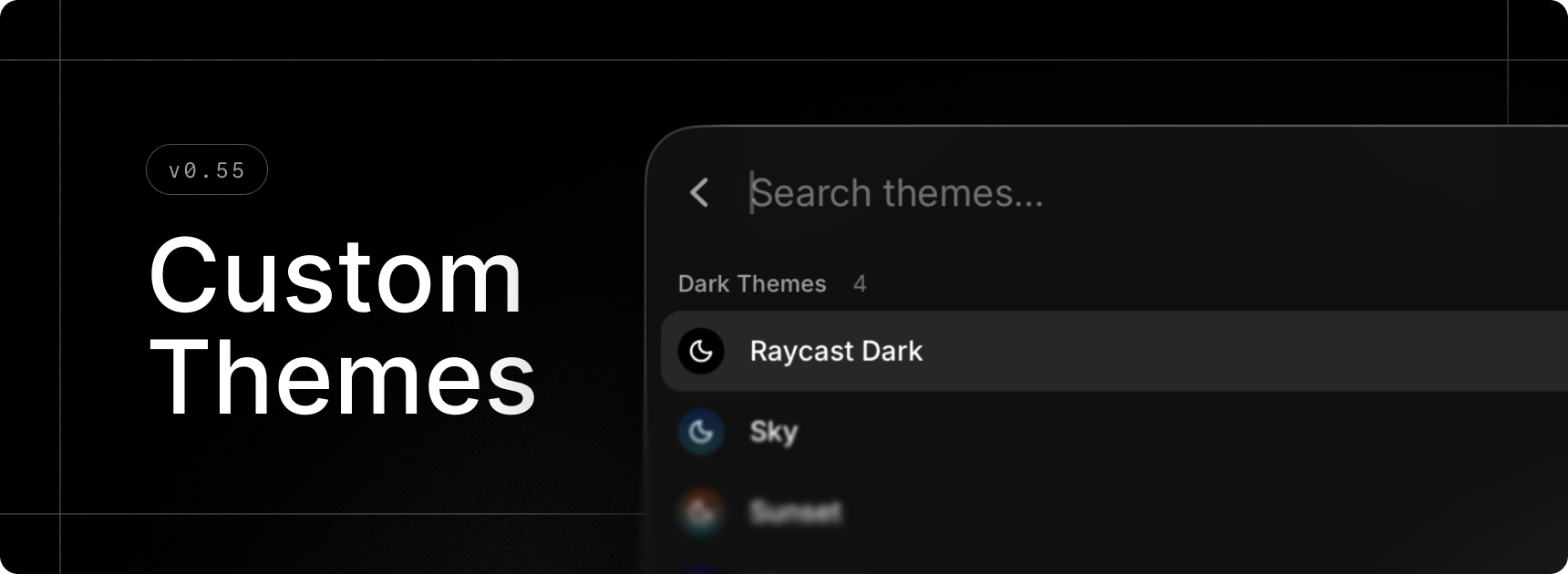
Make Raycast your own with gorgeous themes. Opt for a pre-made one or design your own with the brand-new Theme Studio and share it with the community.
Select your favorite light/dark theme combo in settings with our updated settings in General › Appearance, or quickly change theme using the new Switch Theme command.
This feature is part of our paid offering but during the Beta period, we’re excited to offer you full access for free.
✨ New
- Theme Studio: Preview, create and edit themes to make Raycast your own using our new
Show Theme Studiocommand - Theme Studio: Swiftly change your current theme using our new
Switch Themecommand - Emoji Picker: New emojis introduced in macOS 26.4 are available in the
Search Emojis & Symbolscommand - Settings: Updated theme settings under General › Appearance
- Window Management: Create custom window layouts via the
Create Layoutcommand - Window Management: New
Switch to Next SpaceandSwitch to Previous Spacecommands to change Space without animations - Drafts: Form drafts are now available so you should no longer lose state when using commands such as
Create Quicklinketc
💎 Improvements
- AI: Raycast is now able to handle large amounts of AI data better in various places like Quick AI, AI Chat and AI Settings
- AI: Restructured AI Settings by moving sections into sub-pages
- AI Chat: Made it possible to tab through elements in sidebars
- Import: Fallback commands should now be included when importing from Classic.
- Search Menu Bar Items: Added fuzzy search to find menu items faster
- Clipboard History: Save as File now supports images
- Applications: In the main Raycast search and in Settings, applications now appear with their localized names
- Hyper Key: Support for the “Use Caps Lock to switch input sources” system setting. If you have Hyper Key set to “Caps Lock” and Quick Press to “Trigger Caps Lock”, pressing Caps Lock quickly will switch input sources if you have the system setting mentioned above enabled.
- Hyper Key Diagnostics: Diagnostics are now visible even when Hyper Key is healthy, and BetterTouchTool conflict is shown as a warning (not blocking)
🐞 Fixes
- AI: Models are now refreshed after sign-in
- AI Chat: Fixed Copy Chat action not including full chat history sometimes
- AI Chat: Fixed number hotkeys in chat not working when composer is focused
- AI Chat: Fixed composer scroll-jumping on clicks or edits sometimes
- AI Chat: Fixed Escape key closing AI Chat instead of settings
- AI Chat: Fixed AI Chat window not becoming key when Settings is already open
- Calculator: Fixed an issue where some operators were misaligned
- Extensions: Restored ability to delete tokens by clicking × in tag picker
- General: Fixed issue where some fade would still be visible when scrolled to the bottom of a scrollarea
- Import: Fixed an issue where Store extension settings were not imported correctly
- Import: Fixed various errors when importing Clipboard History, Node Extensions and Themes
- Import: Fixed discovery of Classic app when Spotlight is disabled
- Import: Fixed native import for hotkeys
- Import: Fixed incorrect mapping of Dictate Text hotkey to Quick AI
- Import: Fixed import of custom Window Management command settings
- Import: Fixed import of built-in AI Command settings
- Notes: Fixed text obstructed by header when moving the keyboard cursor to the top
- Notes: Fixed ordered list’s numbers breaking out
- Open Camera: Fixed an issue where liquid glass action buttons would stay stuck in light/dark mode
- Quick AI: Fixed first historical chat not being scrolled to bottom
- Quicklinks: Shared Quicklink hotkeys and aliases should no longer be reset when the app starts
- Root Search: Fixed an issue where nothing was selected after restart
- Settings: Fixed an issue where pressing Enter wouldn’t create new line in text areas inside dialogs
- Themes: Fixed an issue where the client would occasionally use a dark theme with light appearance
- Settings: Fixed Send Feedback action
- Export: Fixed a crash when setting the scheduled export period to 1 month
- Export: Fixed handling of
rayconfigfiles opened from the Finder - Clipboard History: Fixed missing image thumbnails
